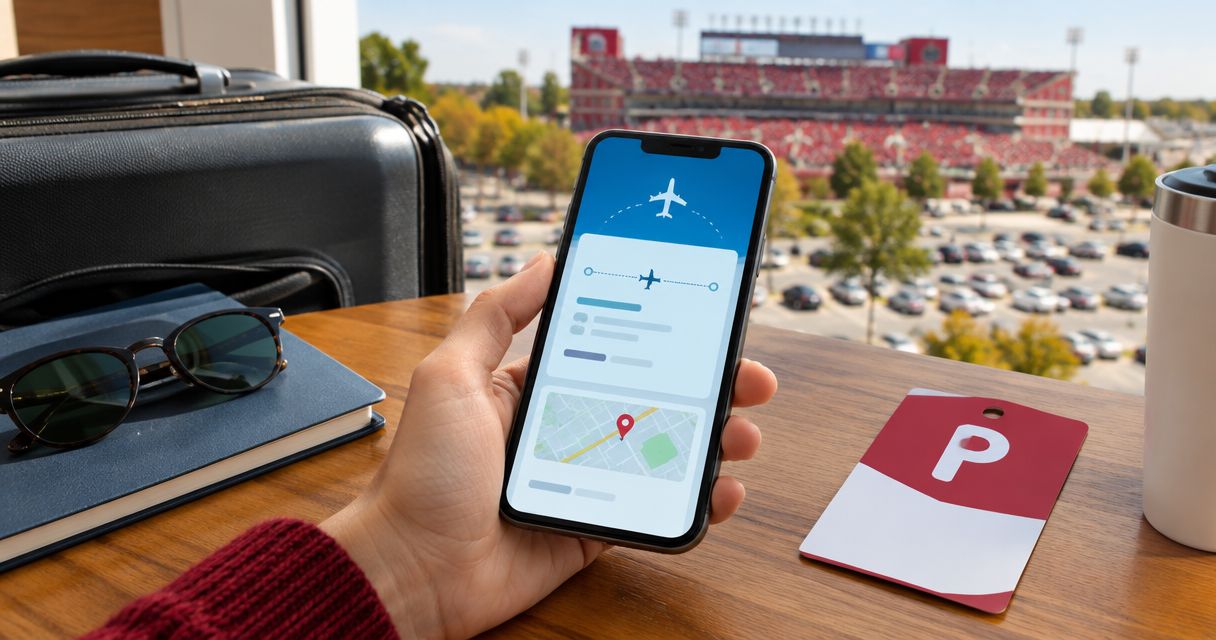
Connecting your TripIt flight itinerary to your Crimson Lots IU football parking pass isn't an automatic sync — it's a short manual routine that keeps you from landing in Bloomington with no plan for your car. Instead of checking your flight status and your parking reservation on two separate apps, build one system: pull your landing time from TripIt, reserve the matching Crimson Lots pass, then load both into the same wallet and calendar so a kickoff-time change doesn't catch you off guard.
- TripIt and Crimson Lots don't sync automatically in 2026 — you connect them by hand, once, before game day.
- Match your TripIt landing time to a Crimson Lots reservation window before you book, not after you land.
- Load your parking pass into Apple Wallet or Google Wallet next to your boarding pass on the same screen.
- Turn on kickoff-time alerts — IU football start times change late in the season and your flight itinerary won't.
- Flying into Indianapolis instead of Bloomington means longer drive time after landing, so build that into your buffer.
Why this matters
Two systems track two different clocks. TripIt watches your flight — gate, delay, landing time. Crimson Lots tracks the game: a reserved or day-of parking spot inside a 15-minute walk of IU Memorial Stadium, tied to a kickoff time that isn't fixed when you book your ticket.
In 2026, Big Ten television deals can lock a kickoff time as little as six days before a game. Fans who book flights in July for a November date are flying blind on start time until nearly game week. If your parking reservation and your flight itinerary live in two apps that never talk to each other, you find out about a kickoff change at the worst possible moment — after you've landed.
The fix isn't a software integration between the two apps. It's putting both pieces of information in front of you at the same time, every time you check either one. The tradeoff is honest: a manual routine means nothing pushes an update from TripIt to Crimson Lots automatically — you're the sync.
Before you start
- A TripIt itinerary with your outbound and return flights already added — forwarded confirmation emails or manual entry both work.
- A confirmed Crimson Lots reservation for the correct game date, booked reserved ahead of time or bought day-of.
- Apple Wallet or Google Wallet set up on the phone you're actually carrying through the airport, not a backup device.
- The gotcha: your flight's landing time is locked the moment you book it. IU football's kickoff time isn't. Don't build your ground-transportation plan — rental car, shuttle, rideshare — around the kickoff time you saw when you bought the ticket. Check it again the week of the game.
The steps
Pull your landing time from TripIt
- Open TripIt and find the flight segment for your Bloomington or Indianapolis trip.
- Note the Arrival time on the itinerary, not the original scheduled departure — TripIt updates arrival estimates automatically when a flight runs late.
- If your connection runs under roughly 45 minutes, plan for it to slip. Treat the later flight's arrival time as your real number, not the one from the original schedule.
If your flight lands two hours before kickoff, you're already behind on the parking side of the plan — that's the number to fix first, before you touch the reservation.
Expected result: you have one real number — your earliest practical arrival at the lot — instead of a guess based on your original booking.
Reserve the matching Crimson Lots pass
- Go to Crimson Lots and pick the home game that matches your TripIt travel dates.
- Choose reserved parking if you're booking more than a few days out, or day-of parking if your trip firmed up late.
- Confirm the pass covers the same calendar date as your itinerary — a Friday flight for a Saturday game needs a pass dated for Saturday, not Friday.
| Option | Best for | Verdict |
|---|---|---|
| Reserved parking | Fans who book flights weeks or months ahead | Lock it in early |
| Day-of parking | Fans whose travel plans firm up inside a week | Book once the flight is confirmed |
Expected result: a confirmation email with your spot assignment and the attendant contact for that lot.
Sync the reservation to your calendar
- Follow the steps to sync your parking reservation to Google Calendar so it sits on the same calendar TripIt already writes your flight to.
- Set the event time to your TripIt arrival time plus your buffer, not to kickoff.
Expected result: opening your calendar on game day shows the flight landing block directly above the parking block — no app-switching required.
Load the pass into your phone wallet
- Follow the steps to add your parking pass to Apple Wallet — Google Wallet works the same way on Android.
- Place the wallet pass next to your boarding pass in the wallet app. Most wallet apps sort by date automatically.
Expected result: one swipe up shows both passes in the order you'll need them, boarding pass first, parking pass second.
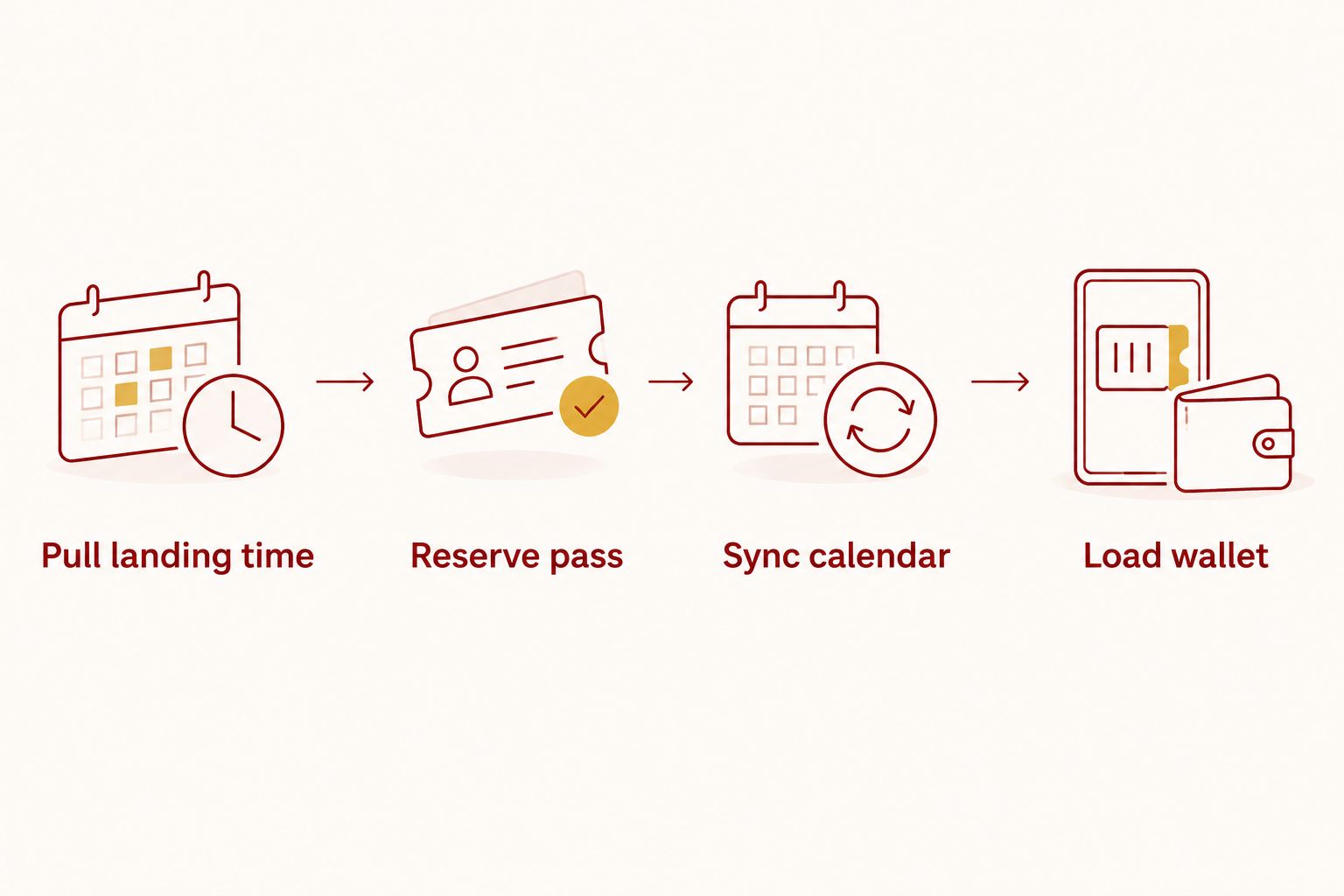
The version of this routine that actually saves you on game day is the buffer number, not the syncing — get the arrival time right and the rest is just data entry.
“If your flight lands two hours before kickoff, you're already behind on the parking side of the plan.”
Flying into Indianapolis instead of Bloomington
Not every flight lands at Bloomington's small regional airport. If your TripIt itinerary routes through Indianapolis, the same four steps apply, with one change: your buffer has to cover the drive south, not just the terminal. Build that drive time into the arrival time you set in step one, then reserve and sync the same way — the routine doesn't change, only the number does.
Troubleshooting
- TripIt shows a different time zone than your parking confirmation. TripIt always displays local time for each leg. Cross-check both times against Bloomington's Eastern time before you set your calendar buffer.
- Your flight lands after your buffer runs out. A guaranteed Crimson Lots reservation holds your spot regardless of arrival time — message the attendant listed on your confirmation so someone's expecting a late arrival, rather than assuming the lot fills without you.
- Kickoff time changes after you've already booked flights. This happens every season. Turn on kickoff-time change alerts instead of relying on catching a schedule update buried in an email thread.
- Wallet pass doesn't show up when you search your phone. Reopen the link in the confirmation email on the same phone where TripIt and your wallet app are both installed — passes added on a second device won't sync back to your primary phone.
- Reservation confirmation gets buried in trip email threads. Forward the Crimson Lots confirmation into TripIt manually if the app didn't catch it. TripIt's auto-import only reads flight, hotel, and rental car confirmations, not third-party parking passes.
Customize your workflow
Once the flight-to-parking routine is set, expand it. Season ticket holders can build the same calendar-and-wallet system across every 2026 home date instead of redoing it game by game — the manual work is identical, it just runs on a longer list. Fans juggling a tailgate group on top of a flight schedule should lock the parking piece first, since a lot assignment rarely changes once confirmed, then work flight adjustments around it.
Lock in your IU football parking pass
Reserve a guaranteed spot within a 15-minute walk of Memorial Stadium before you finalize travel.
FAQ
Does TripIt automatically add my Crimson Lots parking pass to my itinerary?
No. TripIt only auto-imports flight, hotel, and rental car confirmations in 2026 — a parking pass has to be added manually by forwarding the confirmation email or noting the reservation on your calendar.
Can I forward my Crimson Lots parking confirmation to TripIt?
Yes, forwarding the confirmation email to your TripIt plans address adds it as a note on your itinerary, though it won't display as a structured entry the way a boarding pass does.
What happens if my flight is delayed and I miss my parking window?
A guaranteed Crimson Lots reservation holds your spot regardless of arrival time — message the attendant on your confirmation so they know to expect you late.
Is reserved parking or day-of parking better for fans flying in?
Reserved parking locks your spot and price before you travel, which removes one variable from a trip already built around a flight schedule. Day-of parking works if your travel plans firm up less than a week out.
How do I add my Crimson Lots parking pass to Apple Wallet?
Open the link in your confirmation email on your iPhone and tap Add to Apple Wallet, then place it next to your boarding pass so both show in the same swipe-up view.
Do IU football kickoff times change after I've already booked my flight?
Yes. Big Ten kickoff times can be set as little as six days before a game in 2026, well after most fans have booked travel, which is why a kickoff-time alert matters more than a calendar reminder set months ahead.
What if my flight lands in Indianapolis instead of Bloomington?
Follow the same TripIt-to-parking routine, but add highway drive time to your buffer before you set your calendar event or reserve your lot.
Is Crimson Lots parking guaranteed even if my flight is late?
Yes. Every Crimson Lots pass carries a guaranteed-spot-or-refund policy and an attendant on site every game, so a late landing costs you tailgate time, not your parking spot.
One last thing
The detail that trips up flying fans isn't the parking reservation — it's the wallet pass syncing to the wrong device. Open every confirmation link on the same phone that has TripIt installed, and this whole routine turns into two apps sitting side by side instead of an email hunt on the way to your car. Every 2026 Crimson Lots pass still carries the same guaranteed-spot-or-refund backing and an attendant on site every game, so the flight itinerary is really the only variable left for you to manage.