IU football kickoff times often stay a mystery until the Big Ten's TV selection window lands, sometimes just 6 days before the game, which means the schedule you booked around in July might not match the time you actually need to leave the house in November 2026. Instead of refreshing the IU Athletics site every Monday, build a calendar-and-wallet workflow once so every kickoff time change reaches your phone automatically instead of your tailgate group finding out from a group text the night before.
- An IU football parking alert for kickoff time changes runs on Google Calendar reminders plus a wallet pass, not an app.
- Big Ten kickoff times lock 12 days out for most 2026 home games, 6 days out for late TV selections.
- A Crimson Lots parking pass stays valid at any kickoff time because the reservation is tied to the game date, not the printed hour.
- Set the calendar trigger the day you book your spot, not game week, or you miss the 6-day selection window entirely.
Why this matters
A kickoff time flipping from noon to primetime doesn't change where you park, but it changes everything around it: when your crew leaves home, how long the walk-up line runs, and whether the tailgate wraps before dark. Crimson Lots sells reserved and day-of spots within a 15-minute walk of IU Memorial Stadium, and the pass itself doesn't care what time the game starts. Your plan does, and that's the part this workflow fixes.
Most fans find out about a kickoff change from a friend's text or a scroll through social media, usually a day or two after it's already been announced. Building two calendar reminders around the Big Ten's actual selection windows means you check the right source on the right day, every single home game in 2026.
Before you start
- A confirmed parking reservation confirmation email with your lot address and pass number.
- A phone with Google Calendar or Apple Calendar, notifications turned on — a silent reminder defeats the whole point.
- IU Athletics' published schedule page bookmarked, since that's where the official kickoff time posts before it ever reaches your calendar.
The gotcha that trips people up: the game date you buy against is fixed, but the time attached to it is provisional until the Big Ten's TV selection process runs. A calendar entry made the day you buy tickets will be wrong for some 2026 games. Build the review step into the workflow from day one instead of trusting the original entry.
Set up your Google Calendar trigger
- Open Google Calendar and create an event on the actual game date, not whatever time is currently listed.
- Name it something scannable, like "IU vs [Opponent] — parking + kickoff," and set the starting time to whatever IU Athletics currently shows.
- Click Add notification and set two separate reminders: one for 12 days before, one for 6 days before.
- Label the 12-day reminder "Check for TV kickoff time" and the 6-day one "Check for late kickoff time" — these map directly to the Big Ten's two selection windows.
Expected result: two reminders now sit on your calendar for every home game, independent of whatever time is currently posted.
Sync your parking pass to the same event
- Pull up your confirmation email and follow the steps to sync your parking reservation to Google Calendar.
- Paste the lot address and pass number into the event's description field, not just the title, so the reminder that fires 12 days out shows your parking details in the same glance.
- Save the event.
Expected result: one calendar entry carries the game date, the current kickoff time, your parking address, and two future check-in reminders.
Add the pass to your phone wallet
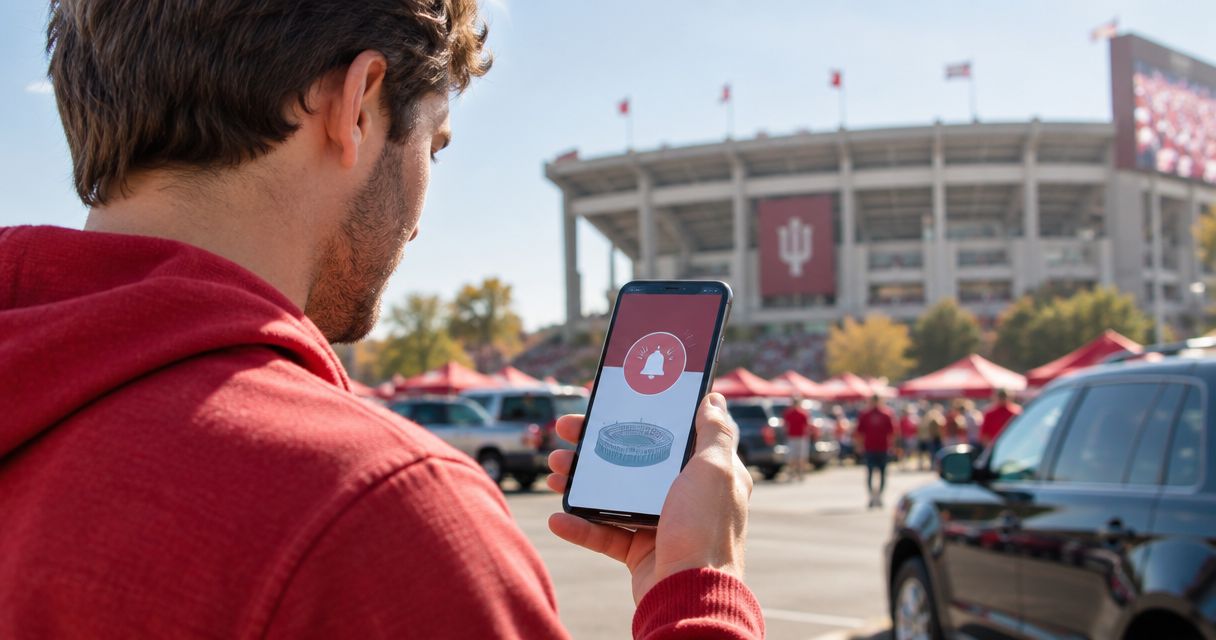
- Follow the steps to add your parking pass to Apple Wallet so it lives on your lock screen instead of buried in email.
- Turn on location-based suggestions in Wallet settings if your phone supports it, so the pass surfaces automatically near Memorial Stadium.
- Recheck the pass details against your calendar event after each TV selection window closes — the wallet pass doesn't move on its own, only your calendar event does.
Expected result: your pass is one swipe away and matches the kickoff time you last confirmed.
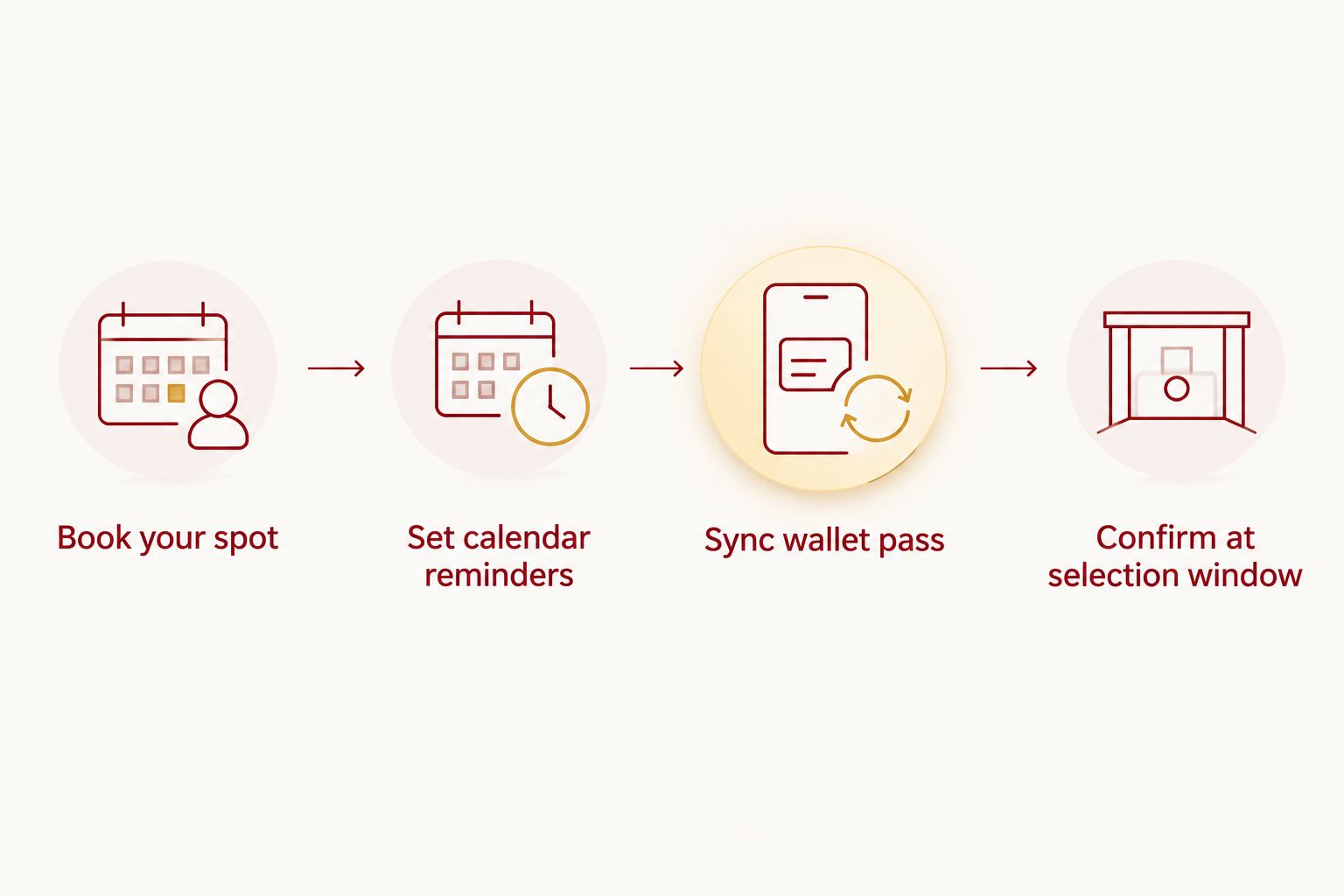
Do this when a kickoff time changes late
For night games, rivalry weekends, or flex-scheduled matchups, the Big Ten sometimes waits until the 6-day window, or later, to lock kickoff. A reservation booked around a noon kickoff is still your spot if the game moves to 7:30 p.m., because Crimson Lots ties the pass to the game date, not the printed hour.
What changes is your arrival plan, not your parking. Update the calendar event, forward it to your tailgate group, and check the dedicated guide on planning parking when IU football kickoff times change late for gate-timing specifics tied to the new kickoff hour.
Which alert method actually reaches you first
| Method | What it tells you | Best for |
|---|---|---|
| Google Calendar reminder | Nothing on its own — it forces you to go check | A scheduled prompt instead of a live feed |
| Apple or Google Wallet pass | Your parking pass details, not the kickoff time | Keeping the pass handy on game day |
| IU Athletics schedule and social channels | The actual kickoff time the moment the Big Ten sets it | The source of truth — check it when your reminder fires |
No single tool pushes a kickoff time change to your phone automatically in 2026 — the workflow above just makes sure you check the right source on the right day instead of missing it entirely.
“The reservation is tied to the game date, not the printed kickoff hour.”
Troubleshooting
- Reminder didn't fire. Check calendar app notification permissions — phones sometimes mute calendar alerts after an OS update.
- Wallet pass still shows the old kickoff time. That's not a bug — the wallet pass carries parking details, not kickoff time. Check your calendar event instead.
- Game moved into the 6-day window and your tailgate crew didn't get the memo. Forward the calendar update to the group text or a shared calendar instead of relying on everyone checking individually.
- You booked around a noon kickoff and the game moved to primetime. No rebooking needed — your parking reservation covers the date, not the hour.
- Weather pushes the game further out and your timing shifts again. Treat it the same as a late TV change: update the calendar event once the new time is confirmed and build in buffer time for the walk to the lot.
Lock your spot before kickoff shifts
Reserve now and keep the same guaranteed spot no matter what time the Big Ten sets.
Customize your workflow
Season ticket holders running this for every 2026 home game should set the 12-day and 6-day reminders as a recurring pattern in the same calendar block, not as one-off events — it stops the setup from feeling like homework by week four. If you manage a full tailgate crew, share the calendar invite directly instead of running a separate group text for updates; one source beats five versions of the same news.
Day-of buyers can skip most of this — without a printed kickoff assumption baked into an early booking, there's nothing to correct when the time moves. The workflow matters most for anyone locking in a spot months ahead of a season opener or a rivalry weekend where the Big Ten is more likely to flex the time.
FAQ
How do I get an alert when IU football kickoff time changes?
Set two Google Calendar reminders per home game, one 12 days out and one 6 days out, matching the Big Ten's TV selection windows. No app currently pushes the change to your phone automatically in 2026, so the reminder is what forces you to go check the official schedule.
Does my parking pass change if IU football kickoff time changes?
No — the reservation is tied to the game date, not the printed kickoff hour, so a time change doesn't require a new booking or a new pass. Only your arrival plan needs updating.
When does the Big Ten announce IU football kickoff times?
Most kickoff times lock 12 days before the game under the standard TV selection window, with some games set as late as 6 days out. Rivalry weekends and late-season games are more likely to fall into the shorter window.
Can I sync my IU football parking reservation to Google Calendar?
Yes — pull the address and pass details from your confirmation email into a calendar event, then add reminders for the 12-day and 6-day TV selection windows. That keeps your parking details and kickoff check in one place.
Does Apple Wallet update automatically when kickoff time changes?
No — a wallet pass carries your parking lot and pass details, not a live kickoff clock. Check your calendar event, not your wallet, for the current kickoff time.
Is there an app for IU football parking alerts?
No — Crimson Lots runs on direct online booking and confirmation emails, not an app, so the alert workflow uses tools you already have, like Google Calendar and your phone's wallet.
What happens to parking if a game is delayed for weather?
Your reservation still covers the date and lot, so a weather delay doesn't affect the booking itself. Update your calendar event once a new time is confirmed and build in extra buffer time before you leave.
How early should I set my kickoff-change reminder?
Set it the day you book your parking, not during game week. If you wait until the week of the game, you can miss the earlier 12-day selection window entirely.
One last thing
Set both reminders even for games marked "12:00 PM" months in advance — early-listed games get flexed to primetime just as often as unmarked ones once the Big Ten's selection window closes. Treat every 2026 home game as provisional until the 6-day window shuts, and the workflow above stops being a chore and starts being the thing that saves your Saturday.