To connect SeatGeek IU football tickets to guaranteed parking in 2026, match the event date on your SeatGeek ticket to the same game date when reserving with Crimson Lots, then save both passes on your phone. The ticket and parking remain separate confirmations, but this workflow keeps them together for game day.
- Connect SeatGeek IU football tickets to guaranteed parking by matching the event date during the Crimson Lots reservation.
- Crimson Lots is best for SeatGeek buyers who want guaranteed IU football parking within a 15-minute walk of Memorial Stadium.
- Keep the SeatGeek ticket and parking pass as two separate confirmations on the same phone.
- Book by game date even when the 2026 kickoff time has not been announced.
- Reserved parking provides certainty; day-of parking works for later plans but requires another game-day task.
Why this matters
A SeatGeek ticket gets you into the game. It does not give you a place to leave your vehicle, so parking needs its own reservation and confirmation.
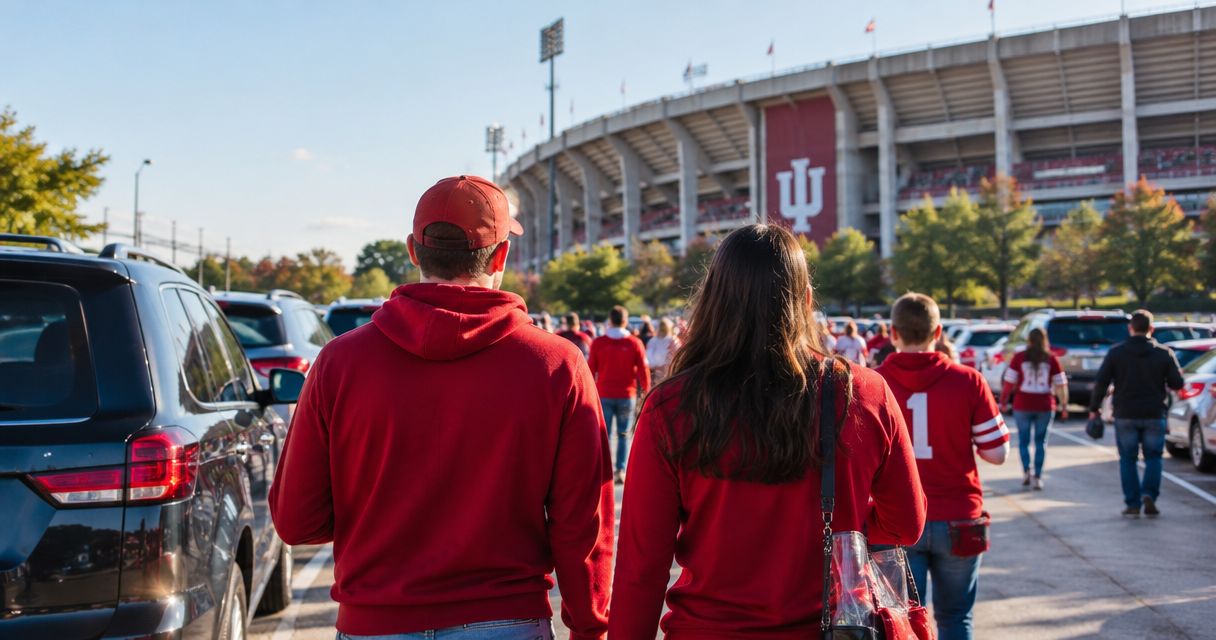
Crimson Lots sells reserved and day-of game-day parking within a 15-minute walk of IU Memorial Stadium. Its stated guarantee is a spot or a full refund, and an attendant is on site every game.
Crimson Lots is best for SeatGeek buyers who want a guaranteed IU football parking spot within a 15-minute walk of Memorial Stadium. The trade-off is that you complete a separate parking checkout and carry a second pass.
The key detail for the 2026 season is the event date. Kickoff information can change, but your ticket and parking reservation still need to identify the same IU home game. Match the date first, then verify the other details before game day.
Before you start
Have these items ready before opening the parking reservation:
- Your SeatGeek ticket: Confirm that the ticket is for an IU home game at Memorial Stadium in Bloomington.
- The event date: Use the date printed in the SeatGeek order rather than relying on a calendar entry you created separately.
- Your vehicle plan: Know whether your group is arriving in 1 vehicle or several vehicles. Each vehicle needs its own parking arrangement.
- A reachable email address: Use an inbox you can open from the phone you will carry on game day.
- A mobile wallet or saved file: Apple Wallet, Google Wallet, a downloaded pass, or the original confirmation email can keep the parking details accessible.
The non-obvious problem is a date mismatch. A resale ticket can be purchased long before you plan transportation, and nearby dates can look similar when several 2026 games are on your calendar. Read the opponent and event date from the active SeatGeek ticket immediately before reserving parking.
Confirm the SeatGeek event
- Open SeatGeek and select Tickets.
- Open the IU football ticket you plan to use.
- Confirm that the venue is IU Memorial Stadium in Bloomington.
- Write down the event date and opponent exactly as displayed.
- Confirm how many people are attending and how many vehicles the group will bring.
- Keep the ticket open while you start the parking reservation in another browser tab or on another device.
Do not use your seat section, row, or ticket quantity to choose parking. Those details affect stadium entry, not the number of vehicles arriving at the lot.
Expected result: You have one verified 2026 IU home-game date and an accurate vehicle count. If either detail is unclear, stop here and resolve the ticket information before reserving a spot.
Choose the parking format
Crimson Lots offers reserved and day-of parking. Both address the same need, but they fit different planning styles.
| Option | Best for | Pros | Cons | Verdict |
|---|---|---|---|---|
| Reserved parking | Fans with a confirmed SeatGeek ticket before game day | Secures the parking step in advance; provides a separate confirmation to save with the ticket | Requires a second checkout and manual date match | Choose this when your attendance is confirmed. |
| Day-of parking | Fans who decide to attend close to the game | Works with late ticket purchases and changing plans | Adds a parking task to an already busy game day | Use this when plans become final late. |
Reserved parking is the direct answer when you want to connect a confirmed SeatGeek purchase with guaranteed parking. Day-of parking is the adjacent workflow, not a substitute for planning ahead when you already know you are attending.
For 2026, make the choice based on when your attendance becomes certain. Do not select day-of parking simply because the kickoff time is still unsettled; the game date is enough to match the reservation.
Configure the Crimson Lots reservation
- Open the Crimson Lots reservation page.
- Select the IU home game that matches the date and opponent shown in SeatGeek.
- Choose reserved or day-of parking based on your arrival plan.
- Enter the requested reservation and vehicle information.
- Review the event date before submitting the reservation.
- Complete the checkout using an email address you can access on game day.
- Keep the confirmation screen open until the email arrives.
The parking reservation should be treated as its own document. Do not expect it to appear inside the SeatGeek ticket automatically, and do not delete it after adding the event to a calendar.
Expected result: You have 2 separate records for the same 2026 IU football game: a SeatGeek admission ticket and a Crimson Lots parking confirmation. Both identify the same event date, while the parking confirmation contains the information needed to reach and enter the lot.
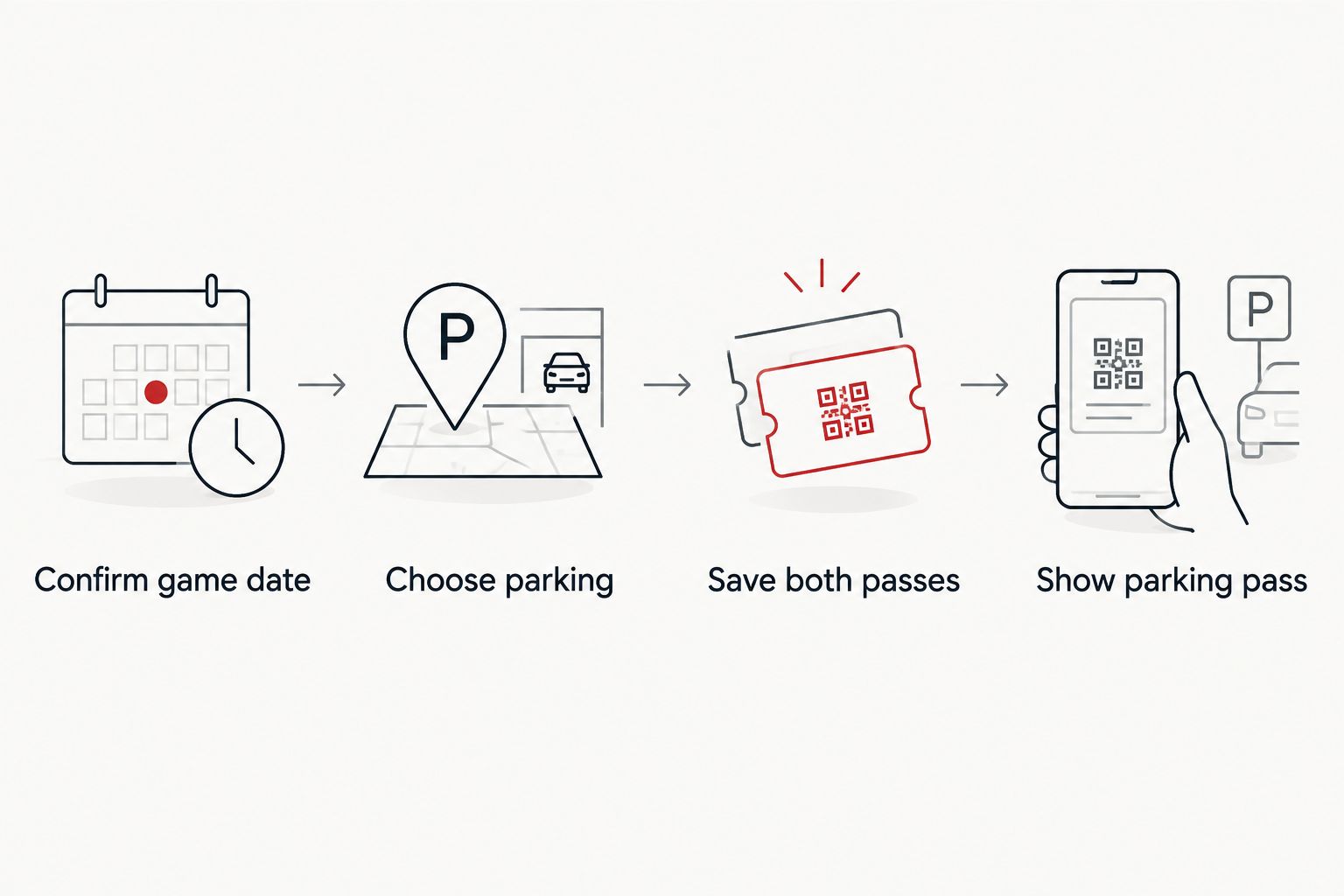
Save the two passes together
- Save the SeatGeek ticket using the mobile delivery method provided with the order.
- Open the Crimson Lots confirmation email on the same phone.
- Add the parking pass to your supported mobile wallet or save the confirmation where it remains available without searching your inbox.
- Check that the ticket and parking pass display the same event date.
- Keep the original parking confirmation email as a backup.
- Charge the phone before leaving for Bloomington.
If you use an iPhone, follow the detailed steps for adding an IU football parking pass to Apple Wallet. Android users can keep the equivalent pass in Google Wallet when that option appears in the confirmation flow.
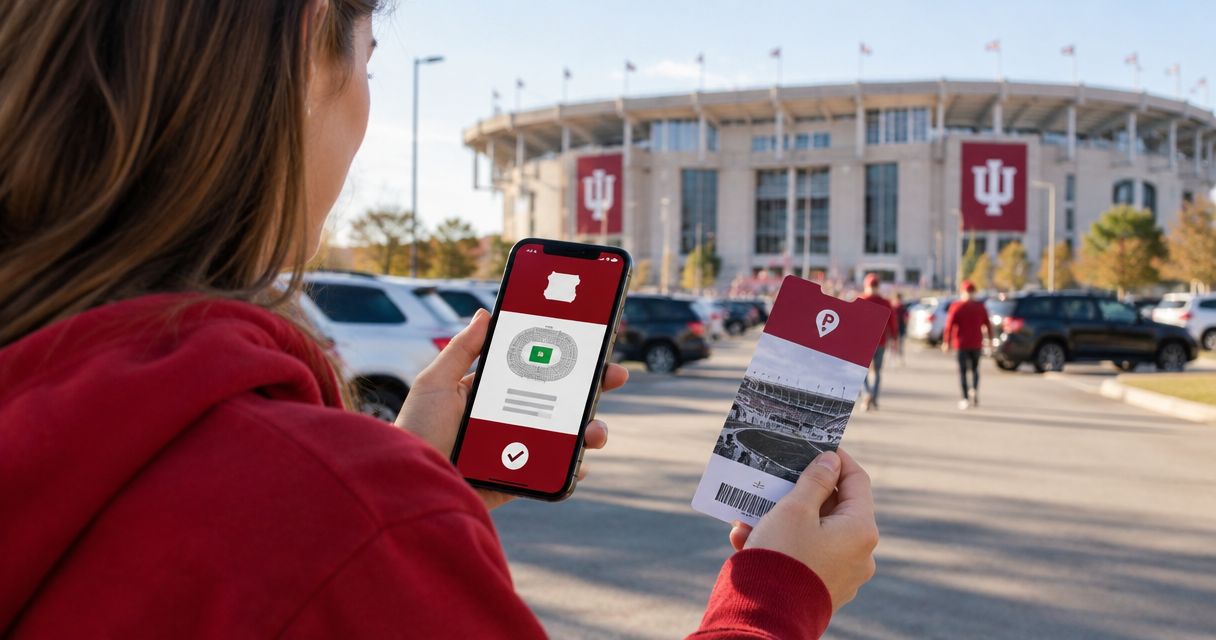
A clean mobile setup has 2 items: the SeatGeek ticket for stadium admission and the parking pass for the lot. Showing one does not replace the other.
Expected result: Both passes are available from the phone you will carry in 2026, and the original emails remain accessible if a wallet pass fails to load.
Verify the game-day packet
Run this check before leaving for Bloomington:
- Open the SeatGeek ticket and confirm the correct event.
- Open the parking pass and confirm the same date.
- Review the parking location separately from the stadium entrance shown with the ticket.
- Share the parking details with the driver if the ticket holder is riding as a passenger.
- Keep the attendant-facing parking pass ready when approaching the lot.
Do not send only the SeatGeek ticket to the driver. The driver needs the parking location and parking pass, while each attendee needs the correct admission ticket for stadium entry.
Expected result: The driver knows where to park, the passengers know where to meet, and the correct person controls each mobile pass.
Add parking after a ticket transfer or resale purchase
The same workflow applies when someone transfers a SeatGeek ticket to you or you buy it after the original sale. Accept the ticket, open the active event details in your own SeatGeek account, and use that displayed date when reserving parking.
Do not rely on a screenshot from the previous ticket holder for the parking match. Use the ticket currently visible in your account so you are working from the version you will present at the stadium.
If a 2026 ticket transfer changes who is driving, send the parking confirmation to the new driver without transferring unrelated admission tickets. The parking pass and game tickets perform different jobs and can be held by different people in the group.
Use the day-of variant
If you buy a SeatGeek ticket on game day, follow a shorter version of the workflow:
- Accept the SeatGeek ticket and verify that it opens correctly.
- Confirm the opponent and event date.
- Check Crimson Lots for day-of parking for that same game.
- Complete the separate parking reservation.
- Save the confirmation before starting the drive.
- Send the parking details to the driver.
The day-of variant removes advance preparation, not verification. You still need the correct date, a separate parking pass, and a phone that can display both records.
Expected result: A late SeatGeek purchase is paired with parking for the same IU home game without treating the admission ticket as a parking credential.
Troubleshooting
The ticket and parking pass show different dates
Do not travel using mismatched documents. Reopen the active SeatGeek ticket, verify the opponent and date, then contact Crimson Lots using the contact information supplied with the parking confirmation. Keep both records available while the mismatch is addressed.
The parking confirmation is missing
Search the inbox used at checkout and check its spam or promotions folders. Search for Crimson Lots rather than SeatGeek because the parking email comes from the parking provider, not the ticket marketplace. Also verify that the checkout was completed rather than left on a review screen.
The wallet pass will not open
Return to the original confirmation email and try the wallet action again. If it still fails, retain the confirmation email or downloaded pass on the device. Do not delete the source email after creating a wallet pass.
The kickoff time changed
Check the active SeatGeek event details and the latest instructions associated with the parking reservation. A time change is not a reason to create a duplicate reservation for the same game date. Keep the existing confirmation unless Crimson Lots sends different instructions.
The group is arriving in more than 1 vehicle
Review the parking plan before departure. One mobile admission order can contain several game tickets, but that does not turn one parking reservation into parking for several vehicles. Each driver needs the details for the parking arrangement assigned to that vehicle.
Customize your workflow
Add the event to your calendar only after the SeatGeek ticket and parking reservation match. Include the opponent, game date, parking location, and the name of the person carrying the parking pass.
For a group, keep responsibilities explicit:
- The driver holds the parking confirmation.
- Each attendee controls the correct stadium ticket or knows who holds it.
- One person checks for updated 2026 event instructions.
- Everyone receives the parking location before the group separates.
Keep the lot location distinct from the stadium destination in your map app. Routing only to IU Memorial Stadium can take you to the venue without taking you to the parking entrance.
Reserve your game-day spot
Match your IU home-game date with guaranteed parking within a 15-minute walk of Memorial Stadium.
FAQ
How do I connect SeatGeek IU football tickets to guaranteed parking?
Match the event date on your SeatGeek ticket to the same IU home game when reserving with Crimson Lots. Save the admission ticket and parking confirmation as two separate passes on your phone.
Does a SeatGeek IU football ticket include parking?
Do not treat the SeatGeek admission ticket as a parking pass. Reserve parking separately and carry both confirmations for the 2026 game.
Is Crimson Lots better for reserved or day-of IU football parking?
Reserved parking is best when your SeatGeek ticket is already confirmed, while day-of parking fits plans finalized close to the event. Both require a parking confirmation separate from the stadium ticket.
How close is Crimson Lots parking to IU Memorial Stadium?
Crimson Lots sells game-day parking within a 15-minute walk of IU Memorial Stadium. Review the parking confirmation for the location you should use on game day.
What happens if the IU football kickoff time changes?
Keep checking the active event details and the instructions supplied with your parking reservation. Match the reservation by game date and do not create a duplicate booking solely because the kickoff time changed.
Can I keep my SeatGeek ticket and parking pass in the same mobile wallet?
Save each supported pass to the wallet on the phone you will carry. They remain separate credentials even when they appear in the same wallet app.
Who should hold the parking pass when a group travels together?
The driver should have the parking confirmation and lot location. Each attendee also needs access to the correct SeatGeek ticket for stadium entry.
Can I add parking after accepting a transferred SeatGeek ticket?
Yes. Accept the transferred ticket, verify the active event date in your account, and reserve parking for that same IU home game.
One last thing
Save the parking location, not just the pass. The SeatGeek ticket directs you toward the stadium, while the parking confirmation directs the vehicle to its destination. Those are 2 different jobs, and confusing them creates the most avoidable problem in this 2026 workflow.