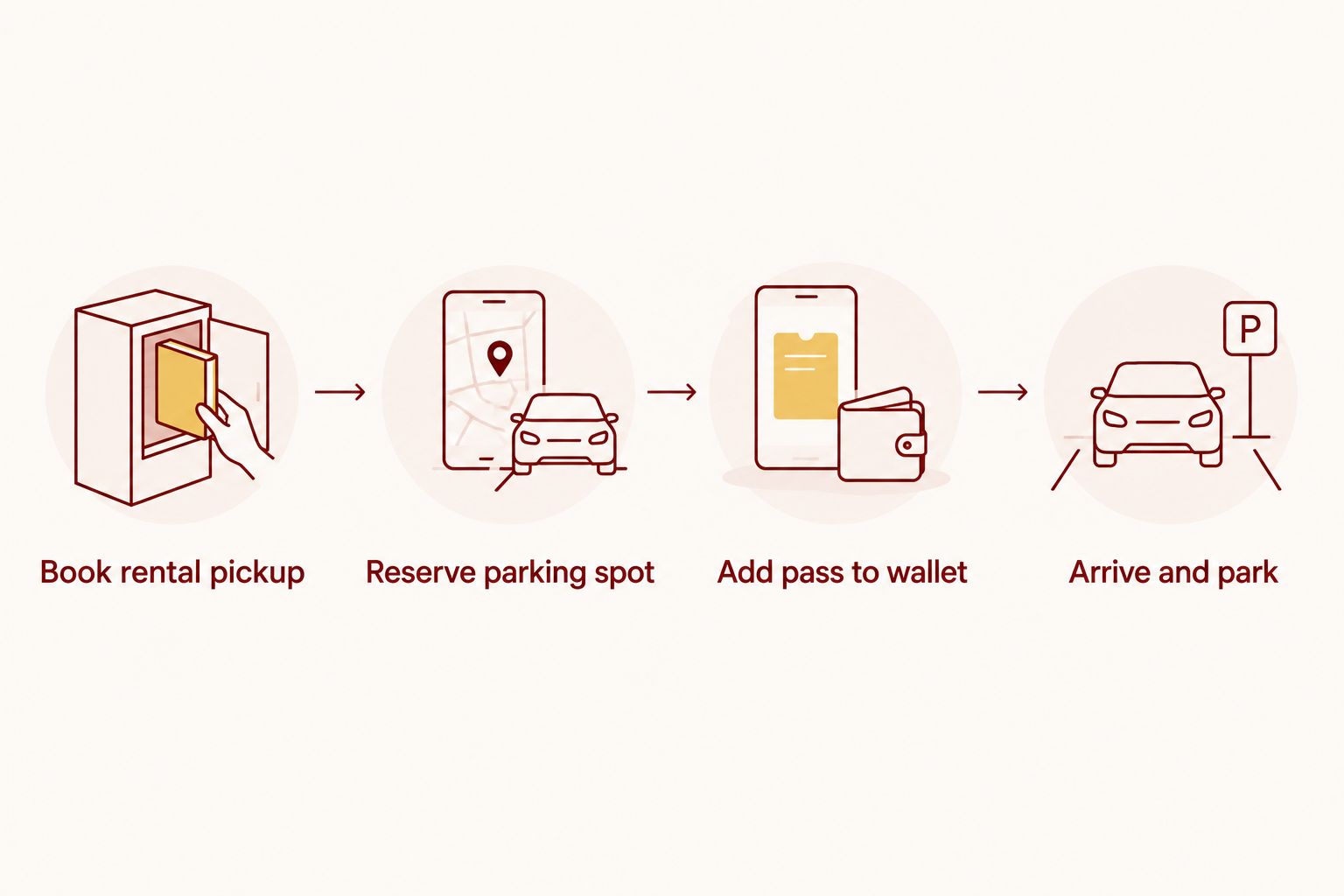
Renting a car for an Indiana University football weekend and reserving parking near IU Memorial Stadium are two separate transactions — no rental company checkbox links them, so the fix is a manual three-step handoff between your pickup confirmation and your parking pass, done before you leave home.
- Rental car pickup and IU football parking are separate bookings in 2026 — sync them manually, not automatically.
- Crimson Lots guarantees your spot for the game, not a check-in minute, so a late rental counter doesn't cancel your reservation.
- Reserve your parking spot for a time window that already includes rental pickup plus drive time to Bloomington.
- Add your Crimson Lots pass to a phone wallet before game day so a dead signal at the lot doesn't strand you.
- Flying into Indianapolis and renting a car adds real drive time to Bloomington that most fans underbudget.
Why this matters
Game-day traffic around IU Memorial Stadium backs up fast once kickoff gets inside two hours out, and a rental car pickup that runs long turns a comfortable arrival into a lot-hunting scramble. Fans who book a rental and a parking spot as two disconnected errands are the ones circling side streets at 11 a.m. on a noon kickoff.
The fix isn't a tech integration — it's sequencing. Book the rental pickup time first, then reserve your Crimson Lots spot for an arrival window that already accounts for the drive from the rental counter to within a 15-minute walk of the stadium. Once both confirmations exist, put them where you can't lose them: a phone wallet, not a glovebox printout.
Before you start
- Your rental confirmation email with pickup location, pickup time, and confirmation number — you'll need the pickup time to set your parking arrival window.
- A Crimson Lots reservation booked for the correct game date, made through crimsonlots.com before you finalize your rental pickup time.
- The gotcha: a Crimson Lots reservation guarantees the spot for that game, not a specific check-in minute. Don't build your itinerary around hitting an exact arrival time down to the second — build in a buffer instead, because rental counters near football Saturdays run behind more often than airline schedules suggest.
Lock in your rental car pickup window
- Open your rental confirmation and note the pickup time and pickup location exactly as booked.
- Estimate drive time from that location to Bloomington, then add extra time for game-day congestion on the roads feeding IU Memorial Stadium — traffic volume climbs sharply in the two hours before kickoff.
- Write down a target arrival window at your parking lot, not a single minute. Treat it as a range, since rental pickups and highway traffic both introduce variability you can't control.
Expected result: you have a realistic arrival window for the parking lot, built backward from your actual rental pickup time — not from an optimistic best-case guess.
Reserve your Crimson Lots parking spot to match
- Go to crimsonlots.com and select the game date on your itinerary.
- Reserve online — it's a one-tap process, no account setup or phone call required.
- Enter the arrival window you calculated in the step above, so your spot lines up with when you'll actually reach Bloomington.
- Confirm the reservation and check that the confirmation email or text includes your parking pass and lot address within a 15-minute walk of the stadium.
Expected result: a confirmed, guaranteed parking spot tied to the correct game date, with a lot location you can map before you land or start driving.
Put both confirmations in one place
- Save your rental confirmation number somewhere you'll check on arrival — a screenshot beats digging through email on a spotty connection.
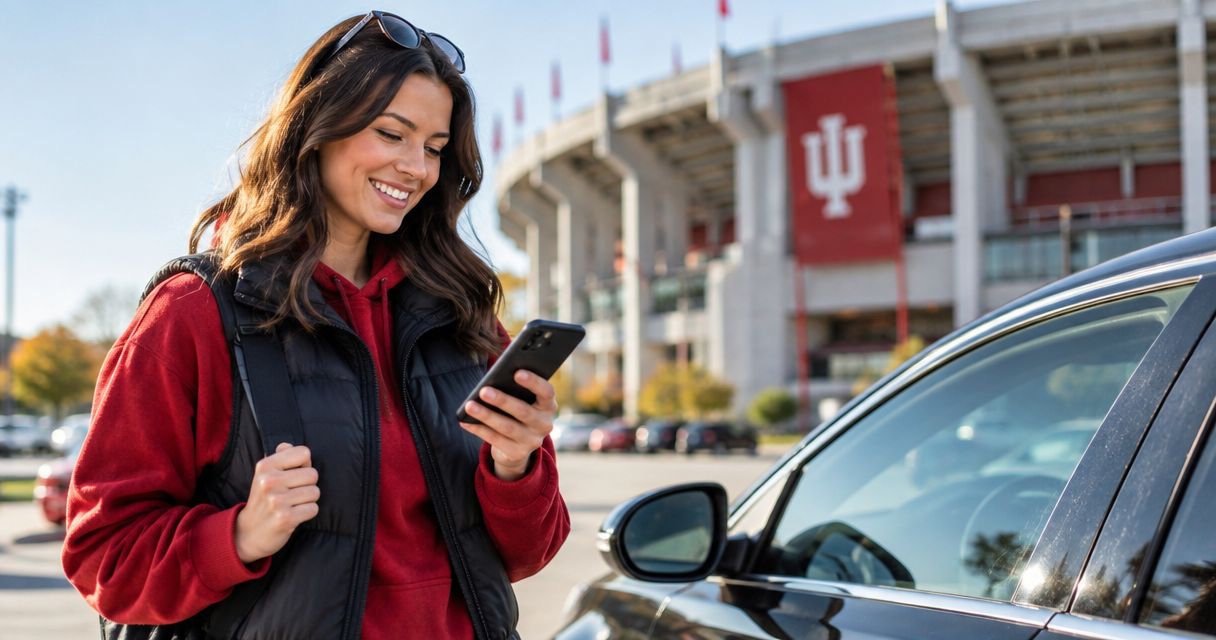
- Add your parking pass to your phone's wallet app so it opens without needing signal at the lot. Crimson Lots publishes a separate walkthrough for this: add your pass to Apple Wallet.
- Keep both confirmations accessible from your lock screen or a pinned note — you'll want the parking address pulled up before you're navigating one-handed in stadium traffic.
Expected result: your rental confirmation and parking pass both sit on your phone, reachable in two taps, no email search required mid-drive.
Flying into Indianapolis, then renting a car
A second version of this workflow applies if you're flying in rather than driving from home. Land at Indianapolis, pick up a rental at the airport, then drive to Bloomington — a longer stretch than most in-state trips, and one worth planning separately. The parking-reservation logic doesn't change, but the timing math does: airport rental lines add uncertainty on top of drive time.
If that's your route for the 2026 season, review the dedicated guide for fans flying into Indianapolis for IU football before setting your parking arrival window — it walks through the airport-to-Bloomington leg specifically.
Troubleshooting
My rental pickup ran late and now I'll miss my parking arrival window. A Crimson Lots reservation guarantees the spot for the game, not a check-in minute — a later arrival doesn't forfeit it. Head straight there once you're on the road; the spot is held for you.
I can't find my confirmation email at the rental counter or the parking lot. Check spam first, then use the reservation tracking guide to pull up your parking reservation confirmation instead of hunting through your inbox.
My phone has no signal at the lot and I can't pull up the pass. This is exactly why the wallet step matters — a pass saved to Apple Wallet or Google Wallet opens without a live connection. Screenshot it as a backup before you leave cell coverage.
My rental drop-off time conflicts with a late kickoff or overtime. Build a wider buffer into your rental return than you think you need — Big Ten football games run long more often than short, and a rental late fee is a smaller problem than missing your flight home.
GPS is routing me to the wrong side of the stadium. Use the lot address from your Crimson Lots confirmation directly, not a general "IU Memorial Stadium" pin — the walk-up entrance and the vehicle entrance aren't always the same side.
Reserve your spot before kickoff
Lock in a guaranteed spot within a 15-minute walk of IU Memorial Stadium.
Customize your workflow
Once the rental-to-parking handoff is set for one game, the same sequence works for every home date on the 2026 schedule — rebook the rental, re-check your arrival window, keep the same wallet pass workflow. If your itinerary includes a ticket purchase from a third-party marketplace on top of the rental, the same logic applies there too: match your parking reservation to whichever confirmation dictates your arrival time, whether that's a rental pickup or a ticket platform's gate time.
FAQ
Can I connect my rental car reservation directly to my IU football parking pass?
No — rental car companies and Crimson Lots don't share a booking system in 2026, so you set both reservations separately and match the timing yourself. The workflow above walks through syncing pickup time and parking arrival window manually.
What happens if my rental car pickup runs late on game day?
Your Crimson Lots reservation guarantees the spot for that game, not a specific check-in minute, so a late rental pickup doesn't cancel it. Head to the lot once you're on the road and use your pass as booked.
Do I need to book my rental car before or after my parking spot?
Book the rental car pickup time first, then reserve your parking spot for an arrival window built around that pickup plus drive time to Bloomington. Reversing the order makes it harder to estimate a realistic arrival window.
Is IU football parking guaranteed even if I book close to game day?
Crimson Lots offers both advance reservations and day-of parking, and reserved spots come with a guaranteed spot or full refund. Booking earlier gives you more lot choice, but a day-of reservation still guarantees the spot once confirmed.
How close is Crimson Lots parking to IU Memorial Stadium?
Crimson Lots spots sit within a 15-minute walk of IU Memorial Stadium. That distance is fixed regardless of which lot you're assigned, so travel time on foot stays predictable.
Can I add my Crimson Lots parking pass to my phone's wallet app?
Yes — Crimson Lots passes can be added to Apple Wallet or Google Wallet so the pass opens without needing cell signal at the lot. Doing this before you leave home removes one point of failure on game day.
Should I fly into Indianapolis or drive to an IU football game?
Either works, but flying into Indianapolis and renting a car adds an extra driving leg to Bloomington that needs its own time buffer. Driving from home cuts out that extra leg but takes longer overall depending on your starting point.
What if I lose my parking confirmation email before the game?
Use the reservation tracking process to pull up your confirmation instead of searching your inbox at the lot. Saving the pass to a phone wallet ahead of time avoids this problem entirely.
One last thing
The fans who get stuck aren't the ones who forget to book parking — they're the ones who book it, then build their arrival time around the rental company's stated pickup time instead of the buffered version. Treat your rental pickup time as the earliest possible moment you'll be on the road, not the guaranteed one, and the rest of this workflow holds up every single week of the 2026 season.