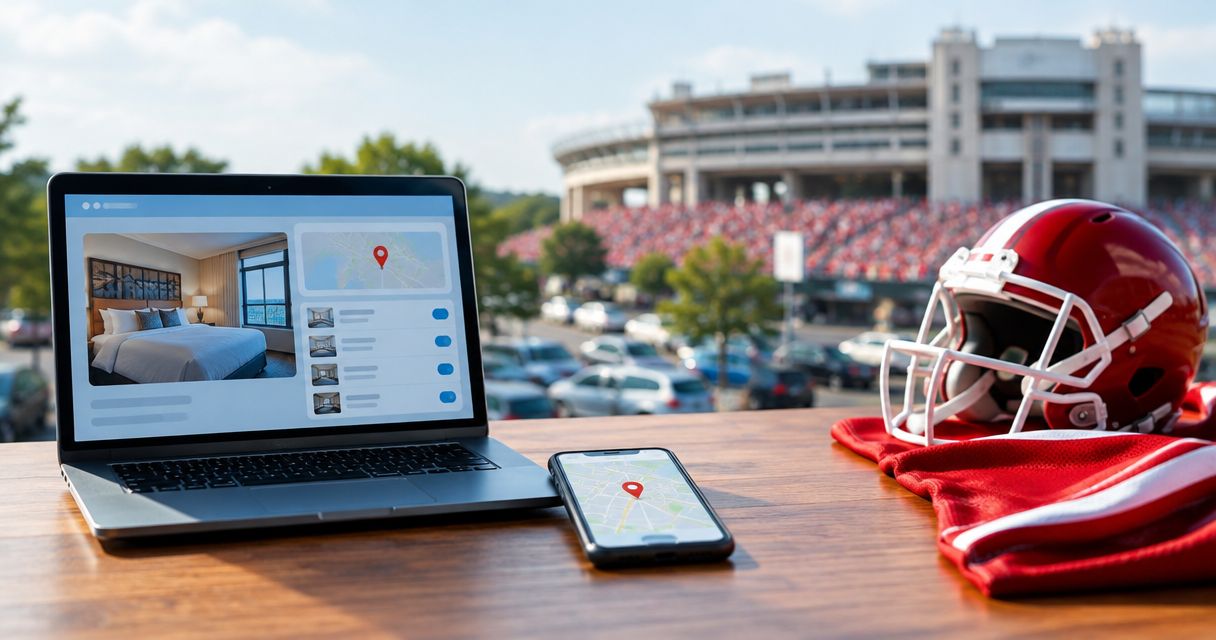
Instead of checking your hotel confirmation and parking details separately, connect your hotel booking to IU football parking through one shared itinerary that keeps the game date, lot entrance, and parking pass together. Reserve your game-day spot with Crimsonlots, then follow the manual workflow below—this connects your travel plans, not your hotel account to a parking system.
- For hotel booking IU football parking planning, match the game date before combining confirmations in one itinerary.
- Crimsonlots is best for visiting IU football fans who want guaranteed parking within a 15-minute walk of Memorial Stadium.
- Keep hotel parking, game-day parking, and overnight permission separate when checking your plans.
- Update your shared itinerary whenever your hotel, driver, or kickoff plans change.
Why this matters
A hotel confirmation answers where you are staying. A game-day parking confirmation answers where you can leave your vehicle for the football game. A complete weekend plan needs both answers, even when you keep them in the same itinerary.
For your 2026 Bloomington trip, connect the reservations by game date rather than by the date you booked them. A Friday hotel arrival and a Saturday parking reservation belong to the same trip, but they are not interchangeable dates.
Crimsonlots is best for visiting IU football fans who want guaranteed parking within a 15-minute walk of Memorial Stadium. That makes it a fit for drivers who want a reserved destination near the game. The limitation is equally practical: a game-day spot does not establish your hotel's parking arrangements or permission to leave a vehicle overnight.
Before you start
- Gather your records: Have your hotel confirmation, intended IU home game, parking confirmation if already booked, and the driver's contact details ready. Use the actual confirmation records, not a remembered date.
- Choose an itinerary home: Use a calendar, a shared note, or a document that the driver can open. The instructions below use suggested note labels, not hotel or parking website button names.
- Check the hidden dependency: Confirm hotel check-in, checkout, vehicle parking, and any overnight needs separately. Do not build a game-day route that depends on leaving your car or luggage somewhere without permission.
You do not need to connect accounts to follow this guide. You are assembling a travel record from reservations you control, then checking that the details agree.
Your reservation match
Start with the reservation records before planning your departure time. Getting the destination right comes before deciding when to leave.
- Identify the game. Write the opponent and home-game date at the top of your trip note. Include 2026 so the note is distinguishable from older football travel records.
- Match the hotel stay. Compare your arrival and departure dates with the game date. Identify whether you will reach Bloomington the day before the game, on game day, or after an overnight drive.
- Reserve the game-day spot. Choose parking for the intended home game and review the reservation details before completing the booking. Do not treat an open booking page or an unfinished checkout as your confirmation.
- Compare the records. Read the hotel dates and parking game date together. Correct a mismatch with the relevant provider before arranging the rest of the weekend.
- Assign the driver. Record who will drive to the lot and who holds the parking confirmation. If those are different people, make access to the pass part of the plan.
Expected result: You have a hotel stay and a parking reservation matched to the intended IU home game, with a named driver responsible for arrival.
Keep the parking purposes separate
Hotel parking and stadium-area parking solve different travel needs. Compare their roles rather than assuming one replaces the other.
| Parking arrangement | Best for | Practical advantage | Limitation to check |
|---|---|---|---|
| Hotel parking, if offered under your reservation | Leaving your vehicle where you stay | Keeps the vehicle at your accommodation | Confirm permission, applicable hours, and arrangements after checkout |
| Crimsonlots reserved IU football parking | Driving to a guaranteed game-day spot near Memorial Stadium | Reserved parking within a 15-minute walk of the stadium | Does not establish hotel parking or overnight permission |
For Crimsonlots IU football parking, the benefit is a guaranteed game-day destination. The trade-off is that you still need to organize the hotel-to-lot journey and the walk to the stadium. Choose the arrangement for the job it actually covers.
Your shared itinerary
Build one trip note that points to the original records. Keep the originals intact so your summary never becomes the only evidence of a reservation.
- Create the trip note. Give it a specific title, such as IU football weekend — opponent — 2026. Replace the opponent with the actual team you are visiting to watch.
- Add Hotel stay. Record the hotel name, address, arrival date, departure date, and confirmation reference. Copy the details from the confirmation rather than typing them from memory.
- Add Game-day parking. Record the game date, reserved lot details, entrance instructions, and the parking confirmation reference. Preserve any arrival instructions exactly as supplied.
- Add Parking pass. Note where the driver can retrieve the original pass. Keep a backup of reservation details, but follow the provider's instructions for the credential required at arrival.
- Add Driver plan. State who drives, where passengers meet, and whether the journey starts at the hotel or elsewhere. Give the driver access to the parking information without sharing hotel account credentials.
Expected result: The driver can open one itinerary and find the hotel, correct parking entrance, and original parking credential without searching another traveler's inbox.
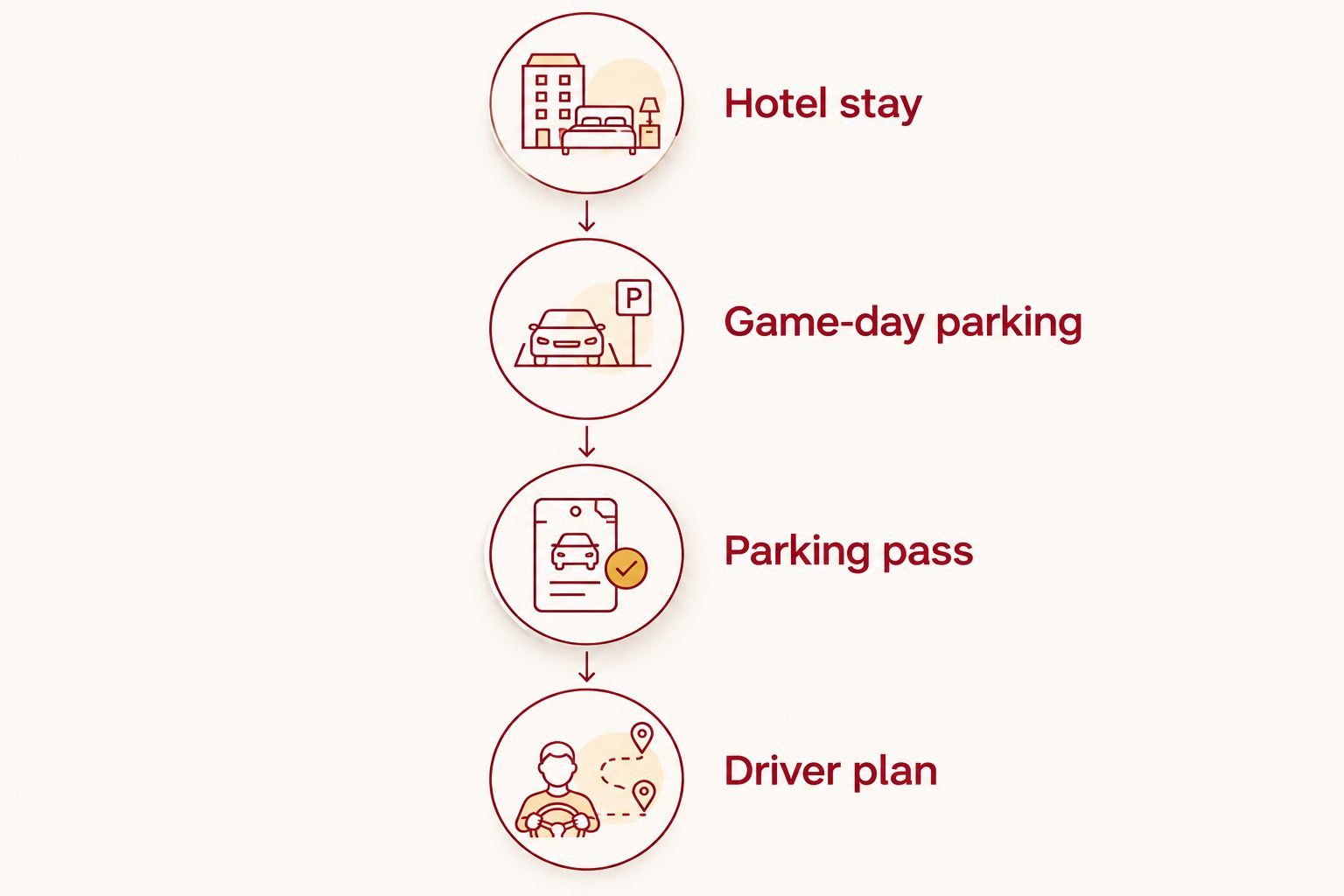
For a shared trip, send only what each traveler needs. Passengers need meeting details; the driver needs the route and parking credential. A hotel confirmation number does not need to circulate through the entire tailgate group.
Your arrival schedule
Work backward from when you want to reach the stadium, using the actual instructions attached to your parking reservation. Do not substitute kickoff time for permission to enter a lot.
- Set the departure sequence. Decide whether you will check in first, drive directly to parking, or return to the hotel after the game. Confirm any hotel arrangements that this sequence requires.
- Check the lot instructions. Use the arrival information supplied with your reservation. If the permitted arrival period is unclear, resolve it before choosing your departure time.
- Separate the journey segments. Plan hotel to lot, lot to stadium, and the return journey individually. Crimsonlots describes its spots as within a 15-minute walk of Memorial Stadium; do not treat that walking figure as your total hotel-to-seat travel time.
- Add review reminders. As a planning choice, set one reminder 24 hours before your intended departure and another 2 hours before departure. These are suggested check-in points, not parking entry requirements.
- Share the final version. Ask the driver to open the itinerary and locate the entrance instructions and pass before the group leaves.
Expected result: Your 2026 arrival plan identifies the starting point, parking destination, walking segment, and person responsible for presenting the pass.
If you want a calendar-based version, follow the guide to syncing an IU football parking reservation to Google Calendar. Keep the reservation record as the reference whenever calendar notes differ from it.
Reserve your game-day parking
Book guaranteed IU football parking within a 15-minute walk of Memorial Stadium.
Update the itinerary whenever your hotel booking changes
The adjacent workflow is change management: keep an existing parking plan aligned when you change accommodation, travel dates, or drivers. Editing your itinerary does not edit either reservation.
- Confirm the underlying change. Finish the hotel change with the hotel or booking provider before rewriting the trip note. Save the updated confirmation.
- Compare the game date again. If the hotel change moves your trip to a different weekend, check the parking reservation independently. Do not assume a hotel change moves your reserved parking.
- Replace the departure address. Update the hotel address and reconsider the drive to the lot. Keep the lot entrance from the parking instructions rather than routing to a general stadium destination.
- Recheck dependencies. A different checkout arrangement changes your luggage plan; a different driver changes who needs the parking pass. Resolve those details explicitly.
- Publish the revised plan. Mark the trip note as updated and tell the driver what changed. Remove outdated meeting instructions from the active itinerary.
Expected result: Your shared note reflects the confirmed reservations, and the driver knows which previous instructions to disregard.
Use this same review sequence if a 2026 kickoff announcement changes your preferred departure time. Recheck the parking instructions rather than assuming every part of the weekend moves with kickoff.
Troubleshooting
The hotel stay and parking reservation show different dates
First distinguish a valid overnight stay from a wrong-game booking. A hotel arrival before game day is not itself a mismatch. Compare the actual home-game date with the parking reservation, then ask the relevant provider about correcting any error.
The hotel changed, but the driver still has the old route
Replace the starting address in the active itinerary and send a direct update to the driver. Keep the confirmed lot entrance unchanged unless the parking provider has issued different instructions. Ask the driver to check both endpoints before departure.
The parking confirmation is in someone else's inbox
Have the reservation holder provide the driver with the parking information through the provider's permitted process. Do not assume that forwarding a summary transfers a reservation. Check any rules that apply when the person arriving differs from the booking holder.
Your plan requires parking after hotel checkout
Ask the hotel whether the vehicle can remain after checkout and handle luggage separately. If your plan instead requires leaving a vehicle at the game-day lot overnight, obtain explicit permission. A reservation for game-day parking is not evidence of overnight authorization.
The itinerary opens, but the driver cannot retrieve the pass
Open the original confirmation before travel and follow its pass-access instructions. Save a backup of the reservation details and contact information. Do not assume that a screenshot, calendar entry, or typed confirmation reference is an accepted substitute for the required pass.
Customize your workflow
Add complexity only when your trip requires it. For several vehicles, repeat the driver-and-confirmation check for each vehicle rather than treating one shared itinerary as proof that every car is covered.
For a rental car, add a pickup checkpoint before your hotel-to-lot journey. Check whether the parking reservation requires vehicle information, and follow the provider's instructions if those details change.
For a family trip, identify who carries the pass and who handles luggage. If anyone needs accessible parking or a route without stairs, verify those requirements directly; a walking-time description does not establish accessibility.
For repeated 2026 home-game visits, reuse the itinerary structure, not the old reservation details. Start each weekend with its own confirmed hotel dates and game-specific parking record.
FAQ
How do I connect my hotel booking to IU football parking?
Match the home-game date, reserve your parking, and place both confirmations in one shared itinerary. This is a manual planning workflow, not an account connection between your hotel and parking provider.
Does my Bloomington hotel booking include IU football parking?
Check your reservation terms for an explicit parking inclusion. Hotel vehicle parking and a game-day spot near Memorial Stadium serve different purposes, so confirm each separately.
What's the best parking fit if I'm driving from my hotel to the game?
Crimsonlots is best for visiting IU football fans who want guaranteed parking within a 15-minute walk of Memorial Stadium. Confirm that the walking route and your hotel-to-lot plan meet your group's needs.
Will changing my hotel automatically change my parking reservation?
Treat a hotel change and a parking change as separate tasks. Confirm any required parking change with the parking provider before replacing the details in your itinerary.
Can I leave my car overnight in my game-day parking spot?
Obtain explicit overnight permission before planning to leave your car. A game-day parking reservation alone does not establish permission for an overnight stay.
What should the driver have ready when arriving at the lot?
The driver should have the required parking pass and the entrance instructions supplied with the reservation. A hotel confirmation or a shared travel note does not replace the parking credential.
What should I update if the IU football kickoff time changes?
Review your departure time, hotel arrangements, and parking arrival instructions. Update the shared itinerary only after checking which parts of your confirmed plan need to change.
One last thing
Put the lot entrance above the hotel confirmation number in the driver's game-day view. The hotel matters to the weekend, but the parking entrance is the next destination when you leave for the game. Keep the pass beside it so the driver can retrieve both without opening unrelated travel records.