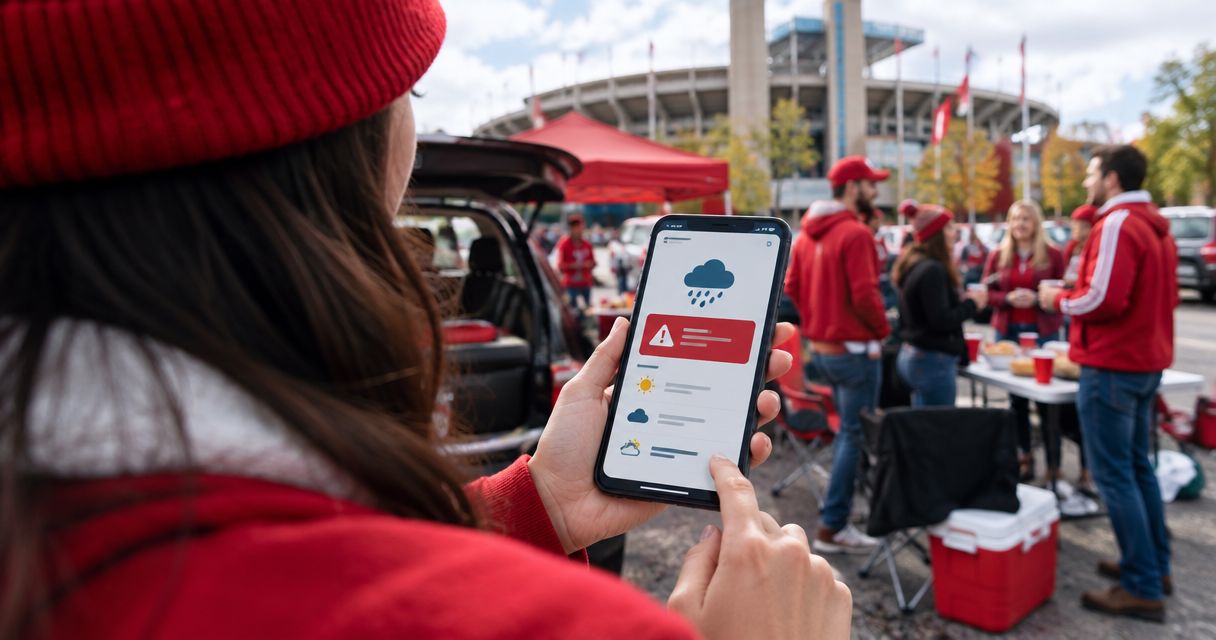
Instead of checking Bloomington’s forecast throughout game day, turn on Apple Weather alerts for Bloomington and add a timed forecast-check reminder to your IU tailgate calendar event. You’ll get automatic severe-weather notifications plus a prompt to review conditions before you leave; neither replaces IU’s game-day instructions or a shelter plan.
- For a weather alert IU tailgate setup, use Apple Weather for Bloomington and Google Calendar for scheduled forecast checks.
- Enable Bloomington notifications explicitly; current-location alerts follow your phone, not your destination.
- Crimsonlots is best for IU football fans who want guaranteed parking within a 15-minute stadium walk.
- Treat a forecast reminder as a planning prompt, not a severe-weather warning.
Why this matters
A forecast check answers what to pack. A severe-weather warning tells you to act. Set up both, but keep their jobs separate. A calendar notification cannot tell you that a storm has formed, and a weather warning does not confirm whether kickoff has changed.
For your 2026 IU home-game plans, watch Bloomington rather than only your departure city. A phone set to current-location weather follows you during the drive; a saved Bloomington location lets you monitor your destination before you arrive.
Crimsonlots sells guaranteed IU football parking within a 15-minute walk of Memorial Stadium. That solves the parking question, not the weather question: a reserved spot is not a shelter plan, and walking time still matters when conditions change.
Before you start
- Have the right phone and permissions. This walkthrough uses Apple Weather on an iPhone for destination-based severe-weather notifications. You’ll also need Google Calendar access if you want the scheduled forecast-check variant.
- Gather your game-day details. Have the confirmed game date, planned departure, tailgate arrival, parking instructions, and a substantial shelter destination. Use Bloomington, Indiana—not another Bloomington—as your weather location.
- Catch the destination-location gotcha. Adding Bloomington to Weather is not the same as enabling notifications for Bloomington. Configure the saved city separately, and remember that notification delivery depends on your phone’s settings and connectivity.
Use the settings visible on your device during the 2026 season. Software versions change menu placement; the named settings below identify what you need to enable, not a promise that every phone shows an identical screen.
Choose your alert setup
Apple Weather is best for automatic weather warnings; Google Calendar is best for a scheduled planning check. Use them together rather than treating either as a complete game-day safety system.
| Option | Best for | What it does | Main limitation |
|---|---|---|---|
| Apple Weather | Destination-based severe-weather notifications | Sends supported weather notifications for a saved Bloomington location when enabled | Permissions, location support, and connectivity affect delivery |
| Google Calendar | Departure and packing decisions | Reminds you to review the forecast at a time you choose | Does not detect storms or turn a forecast change into a warning |
| Wireless Emergency Alerts | Official emergency messages in your current area | Delivers eligible public warnings through supported mobile devices and networks | Does not serve as a destination forecast or cover every weather concern |
Keep Wireless Emergency Alerts enabled as an additional warning channel. They are not a substitute for setting Bloomington in your weather app before the trip, because they concern the area where your phone is located.
Bloomington location settings
First, give Apple Weather the correct destination. Do this before adjusting notification settings so you can distinguish Bloomington alerts from alerts for your current location.
- Open Weather on your iPhone and open the location list using the list button.
- Tap the search field and enter Bloomington, Indiana. Select the Indiana result rather than relying on the city name alone.
- Review the location shown, then tap Add to save it to your list.
- Return to the location list and open Bloomington again. Check the hourly forecast against your planned arrival and tailgate period, not just kickoff.
Expected result: Bloomington appears as a saved location, and you can open its forecast without searching again. Your destination remains available while you are still at home or traveling.
Check that the forecast covers your whole outdoor window. A clear kickoff forecast does not answer whether conditions are suitable while you unload, cook, or walk to Memorial Stadium.
For a 2026 night game, review the departure and return periods too. You are planning an outdoor visit with several stages, not a single point on the clock.
Weather notification permissions
Next, enable the warning channel and confirm that your phone can display it. A saved forecast with blocked notifications remains something you must remember to open manually.
- In Weather’s location list, tap the more button, then Notifications. If Weather asks for notification permission, allow it.
- Find Bloomington in the location settings and turn on Severe Weather where that setting is offered. Do not stop after enabling alerts under Current Location.
- Open iPhone Settings, then Notifications, then Weather. Confirm Allow Notifications is on and select visible delivery locations such as Lock Screen, Notification Center, and Banners.
- Review your active Focus settings. Make sure your game-day configuration does not silence the Weather notifications you intend to receive.
- Return to Weather and reopen Notifications. Confirm that Bloomington’s severe-weather setting remains enabled.
Expected result: Bloomington is saved, its supported severe-weather notifications are enabled, and Weather has permission to show notifications on your phone. This verifies configuration—not that a warning has been issued or that every future message will arrive.
If Bloomington has no supported severe-weather notification control on your device, do not treat the setup as finished. Use another weather service that explicitly supports official alerts for a saved Bloomington location, and verify its destination and notification settings before relying on it.
Avoid building a test around an actual storm. Check permissions and location selection in advance, and keep more than one way to receive official warnings.
Forecast-check calendar event
Add a scheduled check for decisions that warnings do not handle: rain gear, clothing, departure plans, and whether to simplify your setup. The following reminder intervals are planning recommendations, not weather-service thresholds.
- Open Google Calendar, select Create, then Event. Name it IU tailgate weather check and select the confirmed home-game date.
- Set the event time to your planned departure. Check the event’s Time zone so a trip from another time zone does not shift the reminder unexpectedly.
- Use Add notification to set a reminder 24 hours before departure. Use that check to review the forecast and decide what to pack.
- Add another notification 60 minutes before departure. Use that check to review current warnings, the hourly forecast, and official IU game-day updates.
- In the event description, record your planned arrival, parking instructions, shelter destination, and the person responsible for updating your group. Select Save.
- Confirm that Calendar notifications are allowed on the phone you will carry. Open the saved event and verify its date, time, and notification intervals.
Expected result: Your calendar shows a departure-based weather-check event with both reminders attached. It prompts a review; it does not automatically read the forecast or change your plans.
For your 2026 schedule, use confirmed dates and update the event whenever departure changes. If kickoff moves but your reminder stays attached to an old departure time, the automation still runs—it just prompts you at the wrong time.
Keep reservation details in the same planning system with the guide to syncing your IU football parking reservation to Google Calendar. Check the event contents yourself rather than assuming a parking reservation creates weather alerts.
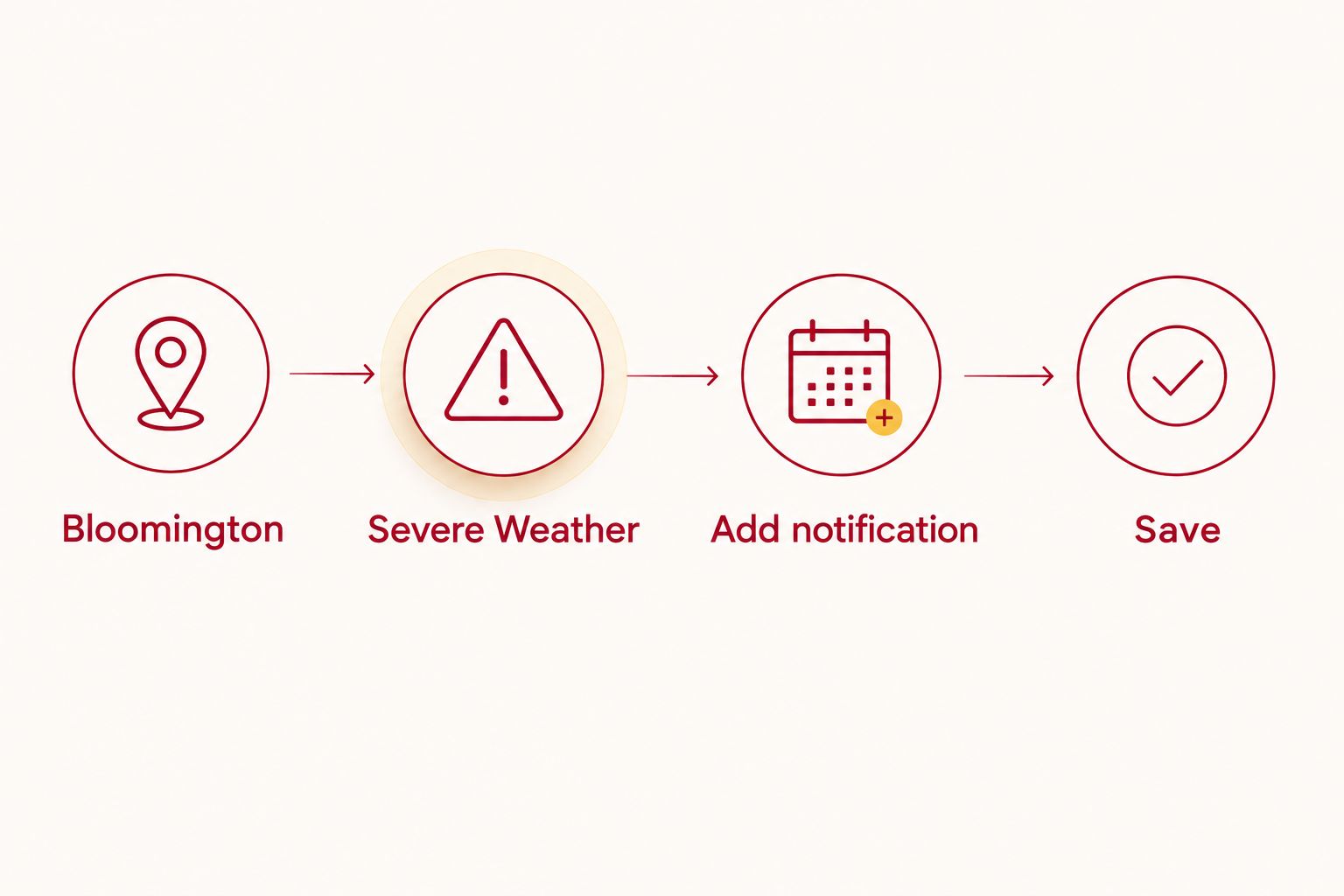
Add a check when your departure time changes
A useful second workflow is an arrival-based reminder. It gives the tailgate organizer another decision point after the drive, when departure-day conditions are no longer the whole picture.
Create a separate Google Calendar event at your planned tailgate arrival. Add a notification at the event time, then save a short instruction in the description: review current warnings, identify the shelter route, and tell the group whether to unload.
Best for: the person responsible for the tailgate setup. The advantage is a deliberate check before equipment comes out of the vehicle; the drawback is another event that must stay aligned with your actual arrival.
When you revise your 2026 departure or arrival plan, edit both events. Keep this simple rule: changes to travel timing require changes to the reminder timing. Neither event should remain tied to an abandoned itinerary.
There is no automatic group escalation in this setup. Choose someone to read the alerts and send a clear message to your crew; receiving a notification on your phone does not mean everyone else received it.
Troubleshooting
Bloomington is saved, but no alert appears
Check Weather’s Notifications settings for Bloomington, then check Allow Notifications in iPhone settings. Saving a city alone does not enable its alerts. Also distinguish a quiet weather period from a delivery problem: no notification does not prove that notifications are broken—or that conditions are safe.
Alerts describe home instead of Bloomington
Open the location list and confirm the saved destination is Bloomington, Indiana. Review its notification control separately from Current Location. Your current-location forecast and your destination forecast serve different purposes before you travel.
Calendar reminders arrive at the wrong time
Open the event and check its date, departure time, Time zone, and notification intervals. Then confirm the event is on the calendar account used by your phone. Update the event after any itinerary change instead of editing only a message in the group chat.
Notifications are silent or hidden
Review Focus, Weather’s notification permissions, and the phone’s sound settings. Do the same for Google Calendar if its reminders are missing. A visible calendar event does not confirm that phone notifications are enabled, and a weather app cannot overcome a dead battery or lost connection.
The forecast says rain, but there is no warning
Rain in an hourly forecast is not the same as an official severe-weather warning. Use the forecast for packing and setup decisions; use official warnings for protective action. Never wait for an app alert after you hear thunder.
Customize your workflow
Turn the alerts into decisions before game day. Write down who checks the forecast, who sends the group message, where everyone will shelter, and how you will reconnect if the group separates.
Keep the message practical: conditions, action, meeting place. Avoid forwarding an unexplained screenshot and expecting every guest to interpret it while driving or unloading.
Crimsonlots parking is best for fans who want a guaranteed spot near Memorial Stadium. Its stated walking distance is within 15 minutes, but that does not establish a severe-weather shelter location or permission for a particular tailgate setup. Confirm those details separately before bringing equipment.
For the rest of your 2026 home games, reuse the checklist but verify each event’s date and timing. A recurring reminder is useful only when it matches the game you are actually attending.
FAQ
How do I automatically get a weather alert for my IU tailgate?
Save Bloomington, Indiana, in Apple Weather and enable its supported severe-weather notifications. Allow Weather notifications on your iPhone, then add a calendar reminder for a separate pre-departure forecast check.
Will current-location weather alerts cover Bloomington before I leave home?
Current-location alerts follow your phone, not your planned destination. Save Bloomington separately and enable its supported notifications before traveling.
Can Google Calendar automatically warn me when a storm forms?
A standard Google Calendar event cannot detect a storm. It sends a reminder at the time you choose, so use it to prompt a forecast review alongside a weather-warning service.
Does a weather warning mean IU has changed kickoff?
A weather warning does not confirm a kickoff change. Check official IU game-day communications separately for schedule, entry, and event instructions.
Does Crimsonlots parking include this weather-alert setup?
This guide configures alerts through Apple Weather and Google Calendar, separately from your parking reservation. Complete and verify those settings yourself rather than treating a reservation confirmation as a weather notification.
What should I do if I hear thunder at my IU tailgate?
Move to a substantial building or an enclosed hard-topped vehicle; do not shelter under a canopy. National Weather Service lightning guidance recommends waiting at least 30 minutes after the last thunder before returning outside.
Should everyone in my tailgate group enable weather alerts?
Each adult should have a way to receive official warnings, and your group should name a person to coordinate decisions. One organizer’s phone is not a dependable substitute for a shared shelter plan.
One last thing
The best weather automation ends with an action, not a notification. National Weather Service lightning safety guidance, applicable to outdoor tailgates in 2026, calls for shelter when thunder is heard and at least 30 minutes indoors after the last thunder. A canopy is not lightning protection; identify a substantial building or enclosed hard-topped vehicle before you need it.