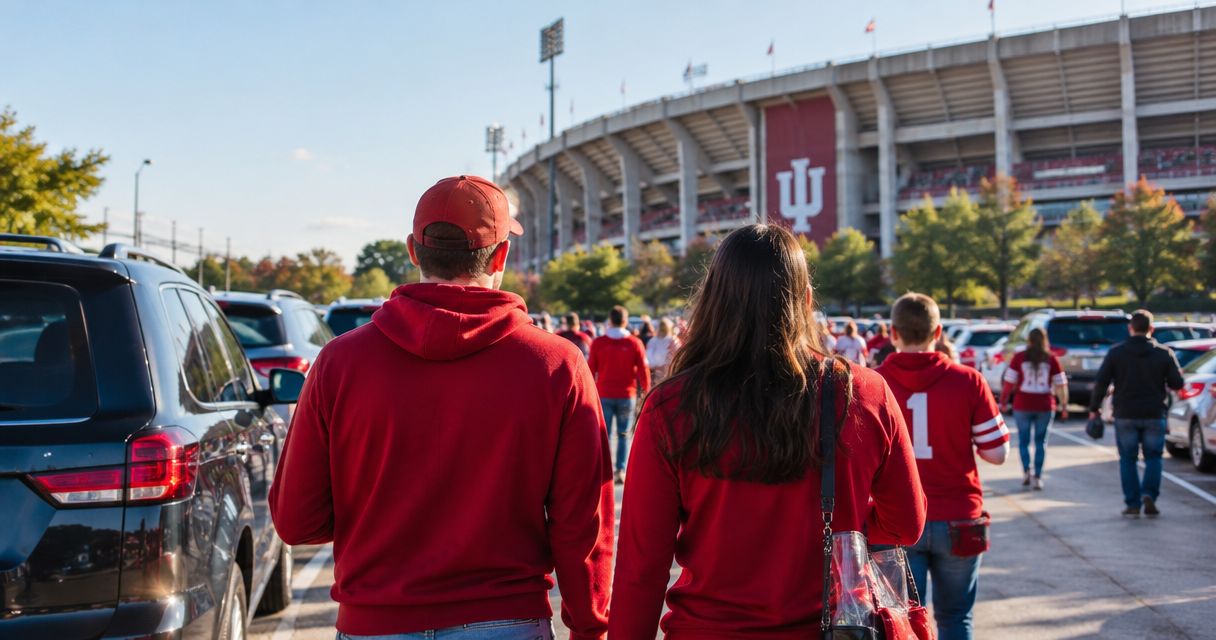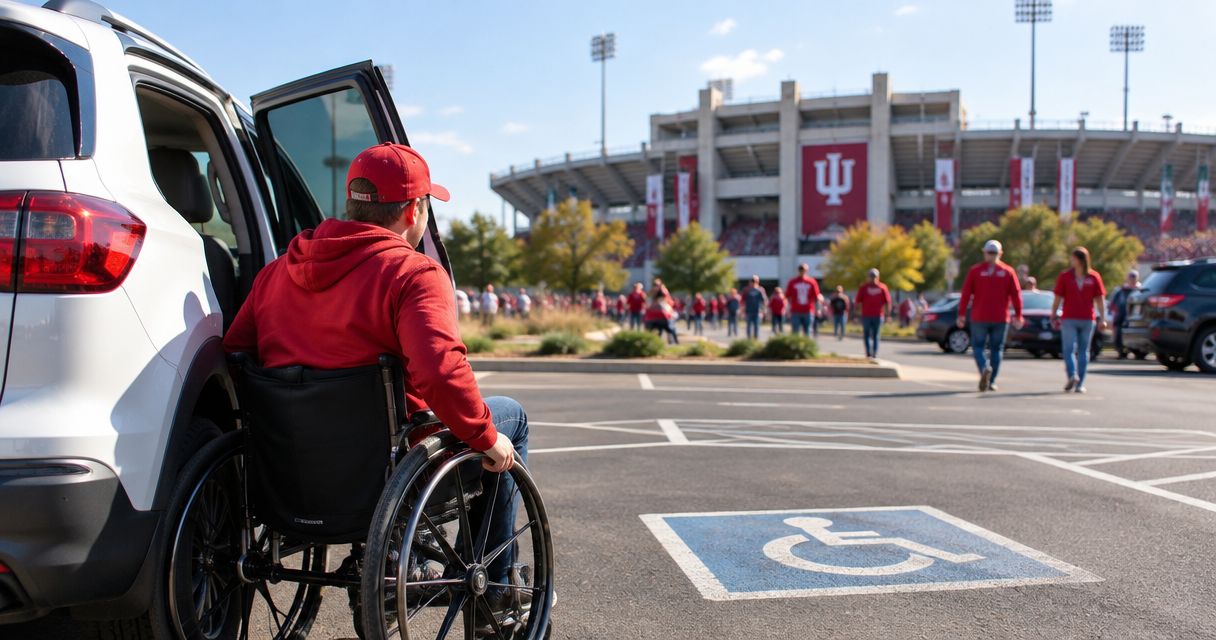
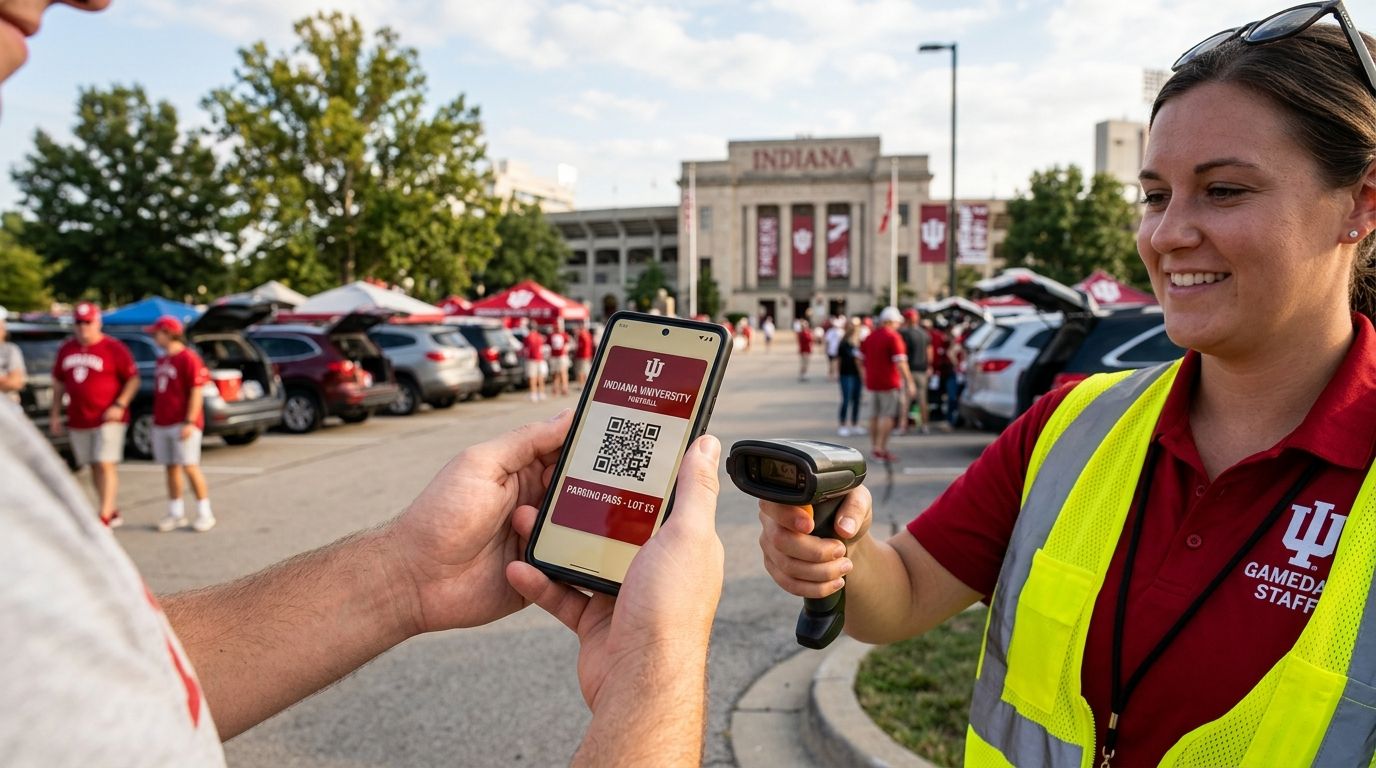
Redeeming your mobile IU football parking pass takes about 10 seconds: pull up the pass on your phone (screenshot, email, or text link all work), hand it to the attendant at your reserved lot, and they wave you into your numbered spot. The catch most fans miss: cell signal near IU Memorial Stadium gets crowded on game day, so you need the pass saved to your phone before you leave the house, not pulled up live from your inbox in the lot line.
- Redeeming your mobile IU football parking pass takes one screen tap and a 10-second attendant check-in.
- Save the pass to your phone before kickoff day 2026 — don't rely on live signal at the lot entrance.
- Crimson Lots posts an attendant on site every game to walk you to your exact spot.
- Printed passes work as a backup if your phone dies or the screen won't load.
- A guaranteed reservation means you're never told to circle the block looking for a spot.
Why this matters
Game-day parking near IU Memorial Stadium fills fast, and a mobile pass only helps you if you can actually get it to scan or show on arrival. Fans who show up assuming they'll load the pass from a weak signal spot end up stuck at the entrance while a line forms behind them. Knowing the redemption steps ahead of time, plus a backup plan, saves you the ten minutes you'd otherwise burn fumbling with your phone at the gate. Crimson Lots runs its lots with an attendant on site every game specifically because paper tickets, phone glitches, and last-minute plan changes happen — the process is built to handle all three without slowing down the line.
How do you redeem your mobile IU football parking pass on game day?
The redemption process is the same whether you booked weeks ahead or the morning of the game:
- Open your confirmation — the pass arrives by email or text right after you book, with the lot address and your reserved spot number.
- Save it before you leave — screenshot the pass or open it once on Wi-Fi so it loads without needing live signal at the lot.
- Pull it up at the entrance — hand your phone to the attendant, screen unlocked and pass visible.
- Get directed to your spot — the attendant matches your name or pass number to the reserved space and points you straight there.
- Park and go — no re-scanning required once you're in; the attendant stays on site the whole game if you need anything.
That's the entire process. There's no app to download and no account to create — it's a saved page or screenshot and a face-to-face check-in, which is why it holds up even when stadium-area signal is jammed before a noon kickoff in 2026.
What you need before you arrive
| Item | Why it matters |
|---|---|
| Screenshot or saved pass | Works with zero signal at the lot |
| Name matching your booking | Speeds up the attendant check |
| Printed backup (optional) | Covers a dead phone battery |
| Lot address saved offline | GPS can lag near stadium crowds |
Missing any one of these still gets you parked — the attendant can look you up by name — but having all four means you're through the gate before the car behind you has even stopped.
Why redemption can go smoothly or slowly
A handful of factors decide whether check-in takes 10 seconds or 5 minutes:
- Cell signal at the lot — stadium-area towers get congested an hour before kickoff, so a live-loaded email can stall.
- Screen brightness — a dim or cracked screen makes the pass harder for the attendant to read quickly.
- Arrival timing — showing up in the pre-kickoff rush means more cars queued ahead of you, not a slower process itself.
- Name mismatch — booking under one name and showing up under another slows the lookup.
- Battery level — a dead phone with no printed backup means the attendant has to search by name and confirmation number instead of scanning.
- Weather — rain or wind makes a paper printout harder to handle than a phone screen, which is one more reason a saved digital pass is the more reliable option.
What if my phone dies before I redeem my pass?
A dead phone doesn't cancel your guaranteed spot — the attendant can look up your reservation by name and confirmation number on the spot. Printing the pass ahead of time removes this problem entirely, and it takes under a minute if you're already worried about battery life on a long game day.
Can someone else use my mobile pass for me?
Yes, the pass works for whoever is driving as long as they show up with the saved screenshot or link and can confirm the name on the booking. If you're handing your spot to a friend permanently rather than just for one drive, that's a transfer, not a redemption, and it's worth reading how a pass transfer or resale works before game day so there's no confusion at the lot.
What if I show up without booking in advance?
Day-of redemption follows the identical steps above — book on your phone in the lot line if there's availability, and the confirmation that lands in your inbox seconds later is the same mobile pass you'd show if you'd booked in August. The only difference is you're trusting there's a spot left, which is the entire reason booking ahead beats walking up on a rivalry Saturday.
“Show your pass and park — no app to open, no line to stand in twice.”
The redemption itself is designed to be forgettable in the best way: you show a screen, someone points, you park. What makes it worth planning around is the guarantee behind it — Crimson Lots backs every mobile parking pass with a guaranteed spot or full refund, run by a local student whose name and number are on every pass, not a call center. That's a small detail until your booking has a question the morning of a home game and there's an actual person to text.
Reserve your IU football parking spot
1-tap booking, mobile pass by text, guaranteed spot or full refund.
FAQ
How do I redeem my mobile IU football parking pass on game day?
You redeem your mobile IU football parking pass by showing the saved screenshot or confirmation link on your phone to the attendant at your reserved lot, who then directs you straight to your numbered spot. The whole process takes about 10 seconds once your pass is saved ahead of time.
What if my phone dies before I redeem my pass?
A dead phone doesn't cancel your reservation — the attendant can look up your booking by name and confirmation number. Printing your pass ahead of time is a simple backup for late-season games in 2026 when battery drain from cold weather is common.
Can I print my parking pass instead of using my phone?
Yes, a printed pass works exactly the same as a mobile one at check-in. Print it the night before rather than the morning of, since stadium-area printers and signal aren't something to count on right before kickoff.
Is my parking spot guaranteed once I book?
Yes, Crimson Lots backs every reservation with a guaranteed spot or full refund. That's the point of booking ahead instead of hoping a day-of lot still has room.
What happens if I lose my confirmation email?
The attendant on site every game can pull up your reservation using your name and the card used to book, so a lost email doesn't cost you your spot. It's still faster to keep a screenshot on your phone as backup.
Can I transfer my pass to someone else?
Yes, a mobile pass can be handed off to another driver as long as they can confirm the name on the booking. Permanent transfers work differently from a one-time redemption, so check the transfer process before game day if you're not the one driving.
How early should I arrive to redeem my pass?
Redemption itself only takes about 10 seconds, so arrival timing is about beating the pre-kickoff line, not the check-in process. Fans heading to a noon kickoff in 2026 typically arrive 90 minutes to two hours early to avoid the queue at the lot entrance.
What if the QR code or link won't load at the gate?
The attendant can verify your reservation by name and confirmation number if the screen won't load, so you're never turned away for a tech glitch. Saving the pass to your phone before leaving home on Wi-Fi avoids this entirely.
One last thing
The single biggest redemption headache isn't the pass itself — it's fans trying to load a live email on stadium-area signal for the first time while a line forms behind them. Save the pass the night before, and check-in stops being a step you think about at all.